
Disclosure: this article contains affiliate links. If you buy through them, Bright Technology may earn a small commission at no extra cost to you. As an Amazon Associate, we earn from qualifying purchases.
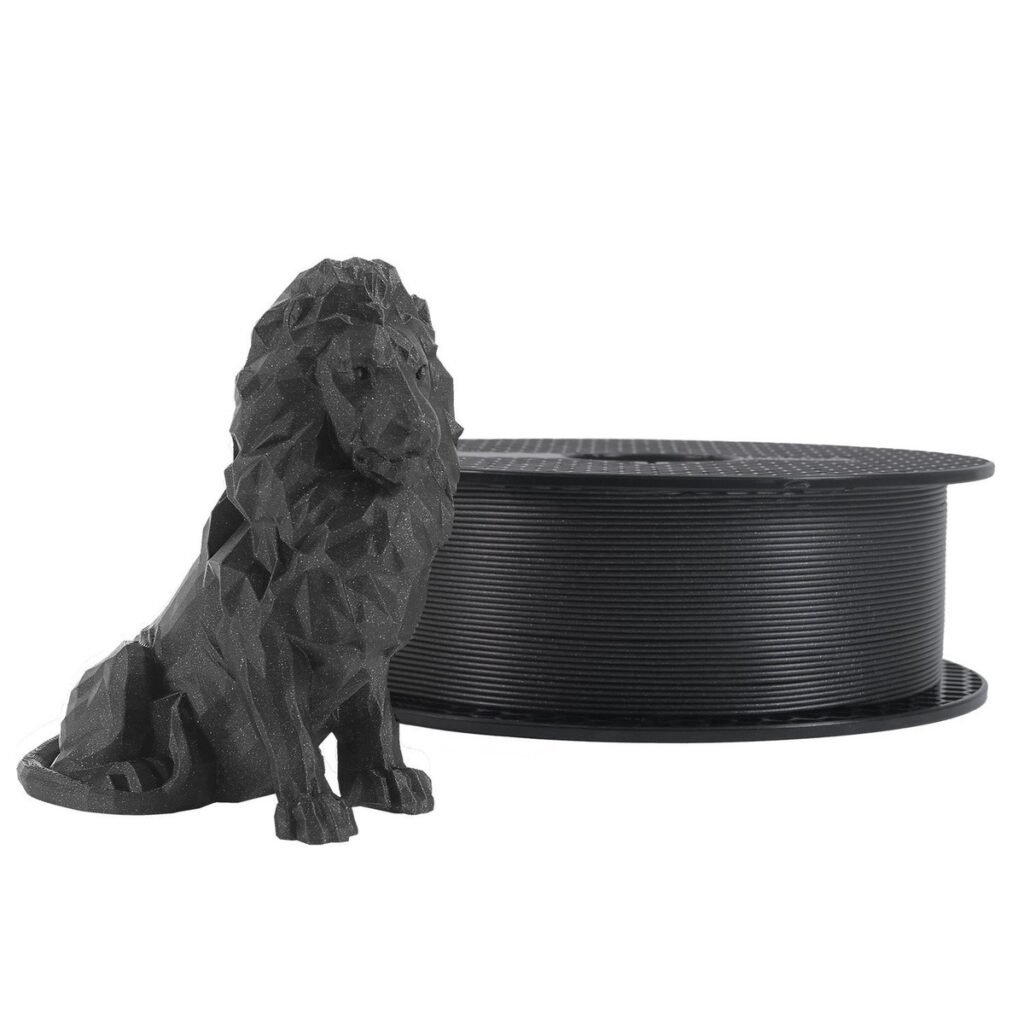
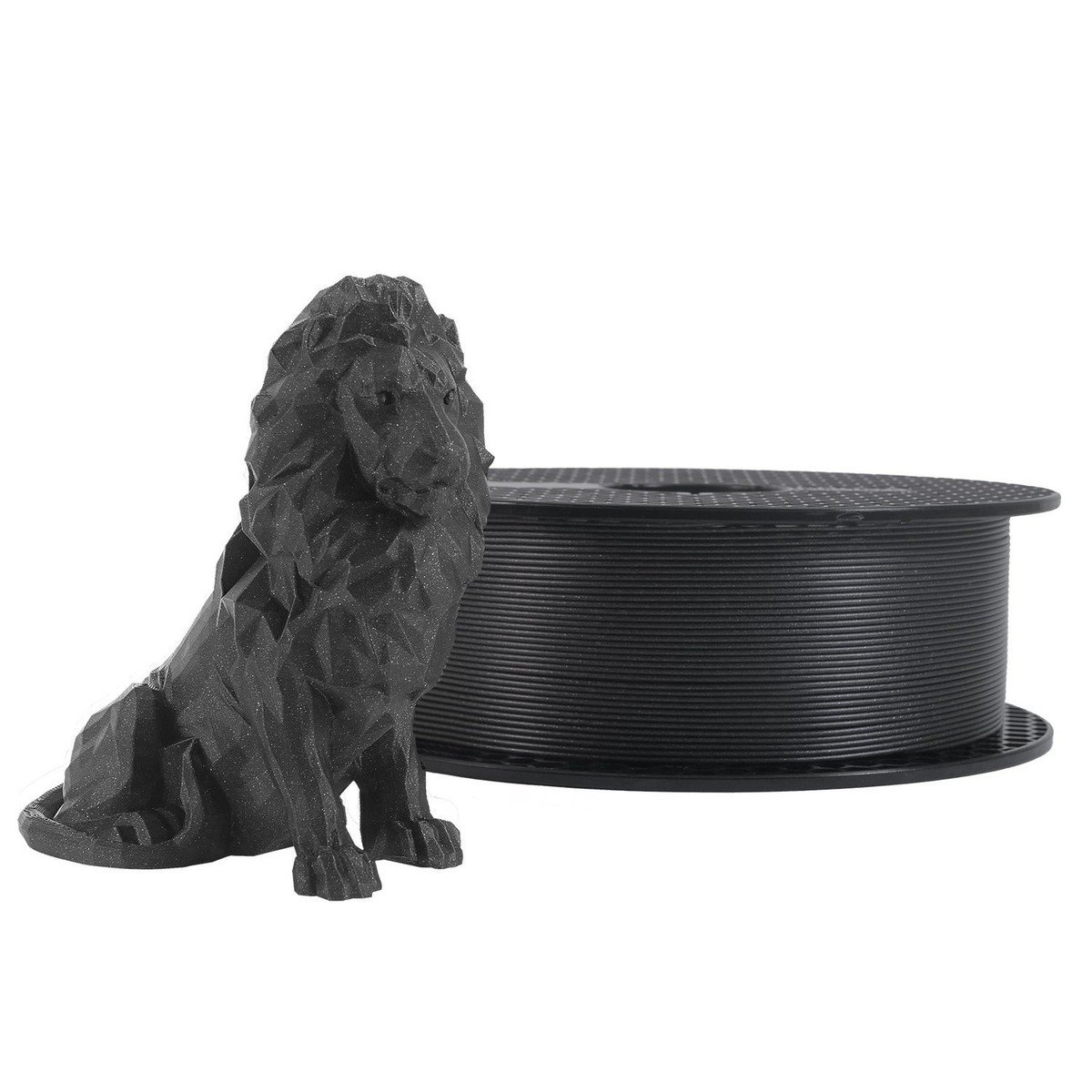
The best PLA filament is not the most expensive one. It is the spool that holds a consistent diameter, arrives dry and matches your printer. The price gap between a good spool and a bad one is usually just a few dollars, but you feel it in clogs, uneven layers and parts that do not fit.
We compared eight brands using the data the manufacturers publish: diameter tolerance, temperature range, maximum speed, spool type and price tier. We also show you how to work out what each part really costs.
- PLA filament brands compared
- What makes a good PLA filament
- 1. Bambu Lab PLA Basic: the best if you own a Bambu
- 2. Prusament PLA: the quality-control reference
- 3. Polymaker Panchroma: finish and consistency
- 4. eSUN PLA+: tougher for little money
- 5. Sunlu PLA: the lowest price with good quality
- 6. Elegoo PLA+ and Rapid PLA+
- 7. Creality Hyper PLA: for high-speed printers
- 8. Smart Materials 3D: a European maker with a huge range
- Standard PLA vs. PLA+ vs. high-speed PLA
- How much does it really cost to print in PLA?
- Which PLA to choose for your situation
- How to store PLA filament
- Common mistakes when buying PLA filament
- Best PLA filament FAQ
- Keep reading
Quick answer: if you own a Bambu Lab printer, Bambu Lab PLA Basic is the most convenient thanks to RFID and the AMS. For any other printer, Polymaker and Prusament are the safest bets for quality; eSUN PLA+ and Sunlu are the best on price; and Smart Materials 3D is a European option with a huge range of specialty PLAs.
PLA filament brands compared
| Brand and line | Stated tolerance | Nozzle temp | Max speed | Spool / extras | Price tier |
|---|---|---|---|---|---|
| Bambu Lab PLA Basic | ±0.03 mm | 190–230 °C | <300 mm/s | RFID tag with AMS profile; 30 colors | Mid |
| Prusament PLA | ±0.02 mm | 215 °C | Standard | Per-spool data and NFC tag | High |
| Polymaker Panchroma (formerly PolyTerra/PolyLite) | Check spec sheet | Check spec sheet | Fast PolySonic line | The reference matte finish | Mid-high |
| eSUN PLA+ | Not published | 210–230 °C | <300 mm/s | Tougher than standard PLA | Low |
| Sunlu PLA / PLA High Speed | ±0.02 mm (High Speed) | Check spec sheet | Fast line | Very good price per kilo | Low |
| Elegoo PLA+ / Rapid PLA+ | ±0.02 mm | Check spec sheet | Rapid line | Multi-spool packs | Low |
| Creality Hyper PLA | Not published | Check spec sheet | Built for high speed | For fast printers | Low-mid |
| Smart Materials 3D PLA (Spain) | Not published | Depends on the line | Up to 300 mm/s (PLA Basic) | European maker, huge variety | Mid |
Manufacturer data. Price tiers are relative between brands; the price per kilo varies a lot with color and sales.
What makes a good PLA filament
All spools look the same in a photo. Four things set them apart:
- Diameter tolerance. The standard is 1.75 mm. A tolerance of ±0.02 mm means the strand never drops below 1.73 mm or exceeds 1.77 mm. With ±0.05 mm the printer extrudes more or less plastic along the spool, and you see banding on the walls.
- Moisture. PLA absorbs water from the air. Wet filament causes stringing, bubbles and popping at the nozzle. Good brands vacuum-pack it with desiccant.
- Winding. If the coils cross, the strand snags mid-print. It is the defect that ruins the most prints on cheap brands.
- Color and temperature consistency. Two spools of the same color and brand should print identically. On premium brands they do; on cheap ones, not always.
If you are still choosing a material, our PLA vs PETG vs ABS comparison shows when switching plastics pays off, and the 3D printing materials guide covers the rest.
1. Bambu Lab PLA Basic: the best if you own a Bambu
Its big advantage is not the plastic but the integration: the spool carries an RFID tag that the AMS reads to load the print profile, the color and the remaining length. It has a ±0.03 mm tolerance, a 190 to 230 °C nozzle range, a 35 to 45 °C bed and speeds up to 300 mm/s. It comes in 30 colors.
On other printers it works just as well, but you lose the convenience of the RFID tag.
Ideal for: Bambu Lab printer owners using the AMS.
- RFID with an automatic AMS profile
- Built for high speed
- Lots of colors
- The main advantage is lost outside the Bambu ecosystem
- Not the cheapest per kilo
2. Prusament PLA: the quality-control reference
Prusa makes its filament in the Czech Republic and the US and measures diameter and ovality along the entire spool. Each spool ships with its own real manufacturing data, and the stated tolerance is ±0.02 mm. Recommended temperatures are 215 °C at the nozzle and 50–60 °C on the bed.
It costs more than average, but if you print parts that must fit or you sell prints, the repeatability is worth it.
Ideal for: parts that must fit and professional use.
- Measured ±0.02 mm tolerance
- Traceability for each spool
- Very consistent colors
- High price
- Fewer colors than other brands
3. Polymaker Panchroma: finish and consistency
In 2025 Polymaker merged its PolyTerra and PolyLite aesthetic lines under the name Panchroma. It remains one of the most respected brands for its consistency and matte finish. For fast printers it has the PolySonic line.
If you are looking for the PolyTerra everyone used to recommend, today you will find it as Panchroma Matte.
Ideal for: figures and decorative parts.
- Very clean matte finish
- Great consistency between spools
- PolySonic fast line
- Costs more than budget brands
- The renaming is a bit confusing
4. eSUN PLA+: tougher for little money
“PLA+” is not a standard, but at eSUN you can see the difference: the brand publishes a tensile strength of 70.37 MPa and an Izod impact strength of 7.27 kJ/m² in the XY plane. It prints at 210 to 230 °C with the bed at 45–60 °C, and below 300 mm/s.
It is the value pick for brackets, clips and parts that bend a little before they break.
Ideal for: functional parts on a tight budget.
- More impact resistant than standard PLA
- Low price
- Easy to find
- Does not publish a diameter tolerance
- The “+” is not a standard across brands
5. Sunlu PLA: the lowest price with good quality
Sunlu is the most reliable budget brand. Its High Speed line states a ±0.02 mm tolerance, on par with premium brands, and it is often sold in multi-spool packs at a very good price per kilo.
Ideal for: printing a lot while spending little.
- Very cheap in packs
- High-speed line
- Good tolerance in the High Speed range
- Slightly less consistent between batches
- More basic packaging
6. Elegoo PLA+ and Rapid PLA+
Elegoo does not only make resin printers: its PLA+ states ±0.02 mm, and its Rapid line is designed for fast printers. It is often sold in multi-spool packs, which puts it among the cheapest options per kilo.
Ideal for: basic color packs at a good price.
- States ±0.02 mm tolerance
- Rapid line for fast printers
- Multi-spool packs
- Less known than the premium brands
7. Creality Hyper PLA: for high-speed printers
It is formulated to melt quickly and keep flowing at high speeds, which is where regular PLA starts to fail. It fits Creality CoreXY printers and other brands that run above 300 mm/s.
Ideal for: fast printers that exceed 300 mm/s.
- Designed to keep flowing at high speed
- Suits CoreXY machines
- Does not publish a diameter tolerance
- Only worthwhile on a fast printer
8. Smart Materials 3D: a European maker with a huge range
This is a Spanish manufacturer with an enormous PLA catalog: the basic line, the technical 3D850 and 3D870, matte, silk, carbon fiber (Innovatefil), antibacterial and an eco line with algae, coffee, cork or olive fillers. Its PLA Basic supports up to 300 mm/s.
It is worth a look if you want specialty materials. Check shipping options and delivery times to the US before ordering.
Ideal for: specialty materials.
- Huge variety of PLA types
- PLA Basic supports up to 300 mm/s
- Does not publish a diameter tolerance
- Based in Europe, so check US shipping
Standard PLA vs. PLA+ vs. high-speed PLA
| Type | What changes | Use it for |
|---|---|---|
| Standard PLA | The easiest to print, rigid and a bit brittle | Figures, prototypes, decoration |
| PLA+ / PLA Pro | Additives that make it tougher and less brittle | Brackets, clips, everyday parts |
| Matte PLA | Hides layer lines better | Figures and visible parts |
| Silk PLA | Metallic sheen, a bit less strong | Decoration |
| High-speed PLA | Flows better at 300–600 mm/s | Fast CoreXY printers |
| Filled PLA (wood, carbon fiber) | Texture or stiffness; wears brass nozzles | Special finishes; use a hardened steel nozzle |
How much does it really cost to print in PLA?
The math is simple: spool price ÷ 1,000 g × part weight in grams. As an illustration, take a $20 spool (an example price, not a quote): each gram costs about 2 cents.
| Part | Approx. weight | PLA cost at $20/kg |
|---|---|---|
| Keychain | 5 g | $0.10 |
| Phone stand | 30 g | $0.60 |
| Medium planter | 120 g | $2.40 |
| Cosplay helmet | 700 g | $14.00 |
Calculated at $20 per kg. Does not include electricity or purge waste on multicolor prints.
On multicolor printers, add the material purged at each color change, which can be more than the part itself. We explain it in our guide to multicolor 3D printers.
Which PLA to choose for your situation
- You have a Bambu Lab with an AMS: Bambu PLA Basic.
- You need precise parts or sell prints: Prusament or Polymaker.
- You print functional parts on a small budget: eSUN PLA+.
- You print a lot and want to spend little: Sunlu or Elegoo in packs.
- You have a very fast printer: Creality Hyper PLA or Sunlu’s High Speed line.
- You want specialty materials: Smart Materials 3D.
If you do not have a printer yet, start with the best 3D printers for beginners and add a few essential accessories such as a filament dryer.
How to store PLA filament
- Keep it in an airtight box with silica gel packs.
- If you notice stringing or popping, dry it at about 50 °C for several hours in a filament dryer.
- Always hold the end of the strand when you release it: if it slips loose, it tangles on the spool.
- Write the date you opened the spool on it; after months in open air, almost all of them need drying.
Common mistakes when buying PLA filament
- Buying on price alone. A cheap spool that fails halfway through a 10-hour print ends up expensive.
- Mixing brands without recalibrating. Each brand needs temperature and flow adjustments; see our guide on how to calibrate a 3D printer.
- Using cardboard spools in an AMS without an adapter. Some shed dust or slip.
- Printing filled PLA through a brass nozzle. Wood and carbon fiber wear it out in a few spools.
- Leaving the spool open next to the printer. In humid areas you will notice it within a few weeks.
Best PLA filament FAQ
For most people, Polymaker or Prusament if you want top quality, and eSUN or Sunlu if you want a low price. If you have a Bambu Lab with an AMS, its PLA Basic is the most convenient because of the RFID tag.
Bambu Lab’s own PLA Basic, because the RFID tag lets the AMS load the profile, color and remaining length automatically. Other brands print well too, but you configure them manually.
Sunlu and Elegoo are the usual budget picks, often sold in multi-spool packs. Sunlu’s High Speed line and Elegoo’s PLA+ both state a ±0.02 mm tolerance.
It is tougher and handles impacts better, so it is better for functional parts. For figures and decoration, regular or matte PLA gives the same result and is often easier to print.
Look for ±0.02 or ±0.03 mm. With larger tolerances the extrusion varies and you get banding or gaps in the walls.
Typically 190 to 230 °C at the nozzle and 35 to 60 °C on the bed. Each brand lists its range; print a temperature tower to fine-tune it.
It absorbs moisture from the air. If you hear popping or see stringing, dry it at about 50 °C for several hours and store it in an airtight box with desiccant.
It depends on what you print: roughly 30 phone stands or 200 keychains. Once opened, use it within a few months or keep it dry.
Keep reading
- Best 3D Printer for Miniatures: 7 Models Compared
- Best Multicolor 3D Printers of 2026: 7 Models Compared
- Best 3D Printers for Beginners in 2026: 8 Easy Picks
- Best Professional 3D Printers of 2026: Top Picks for Business
Official sources: Bambu Lab: PLA Basic · eSUN: PLA+ data sheet · Smart Materials 3D: filament catalog