
Disclosure: this article contains affiliate links. If you buy through them, Bright Technology may earn a small commission at no extra cost to you. As an Amazon Associate, we earn from qualifying purchases.
- Best 3D printers for beginners compared
- How we chose these beginner 3D printers
- What should a beginner 3D printer have?
- The 8 best 3D printers for beginners in 2026
- 1. Bambu Lab A1 Mini: best 3D printer for beginners
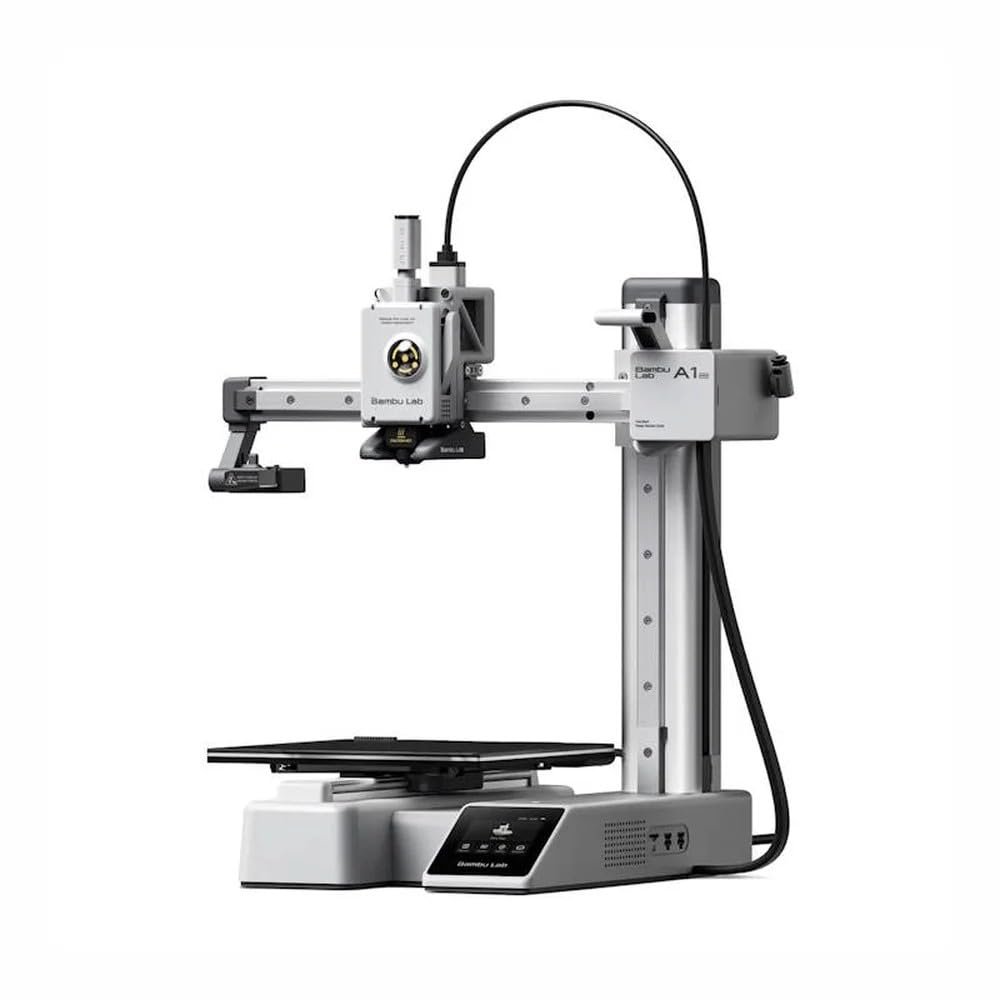
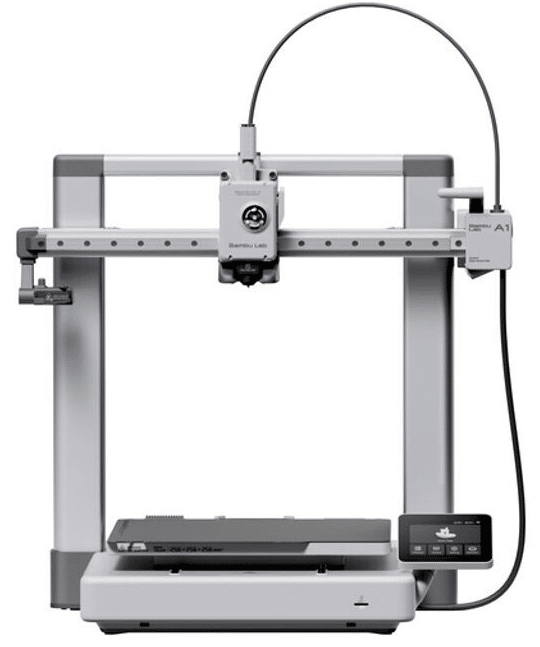
- 2. Bambu Lab A1: best value beginner 3D printer
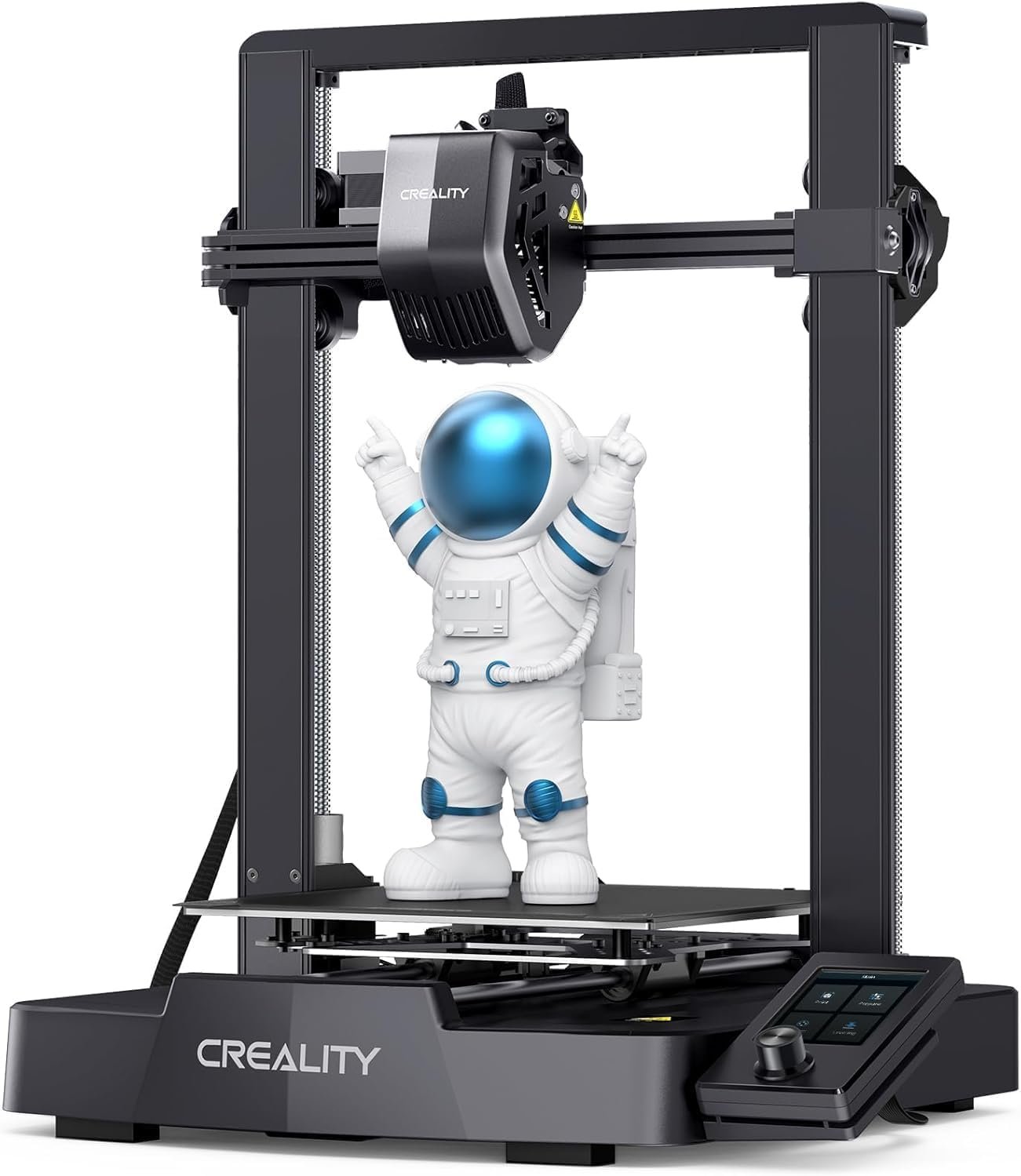
- 3. Creality Ender 3 V3 SE: best cheap 3D printer for beginners
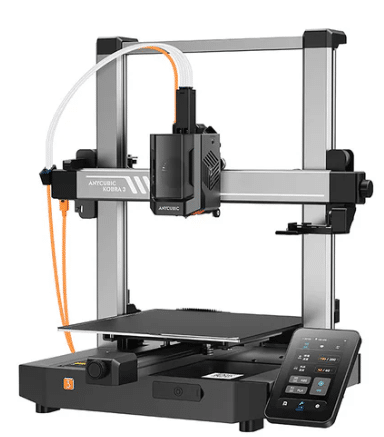
- 4. Anycubic Kobra 3: best for beginners who want to grow fast
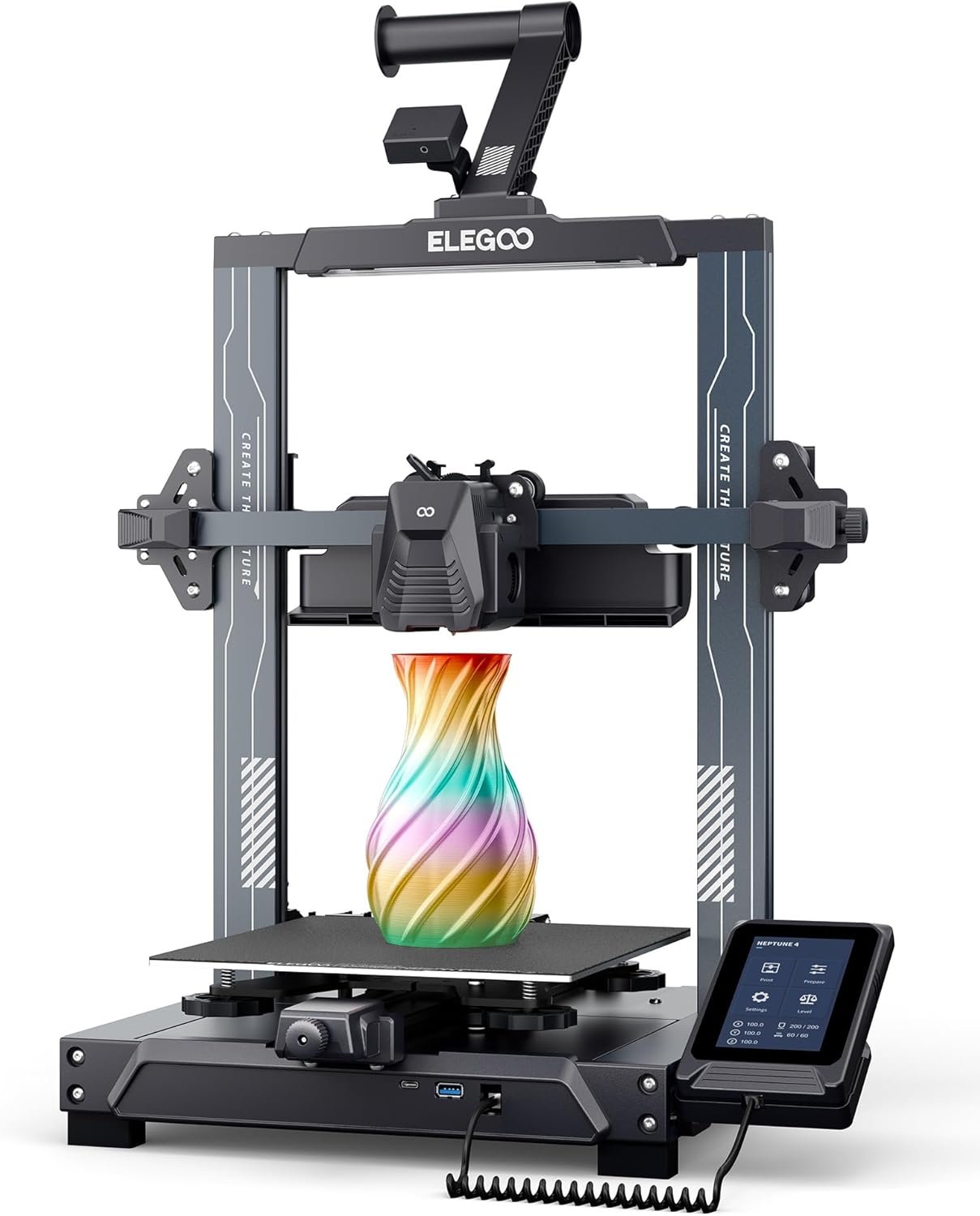
- 5. Elegoo Neptune 4: best fast budget printer for beginners
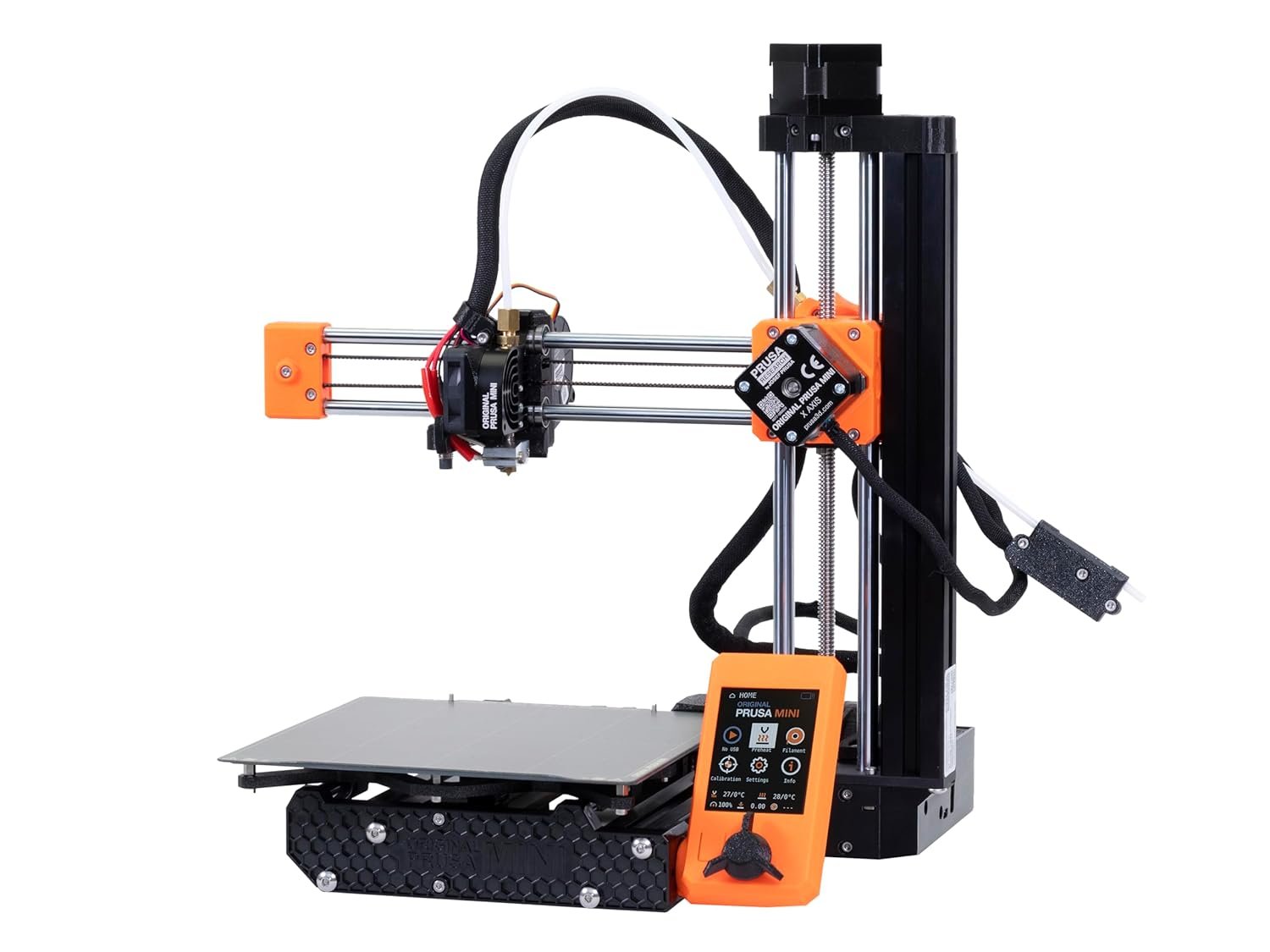
- 6. Prusa Mini+: most reliable beginner 3D printer
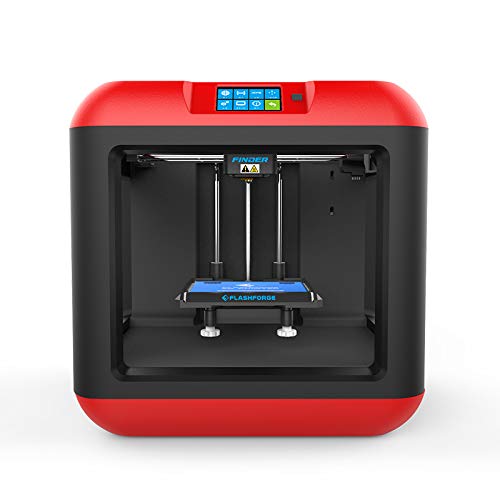
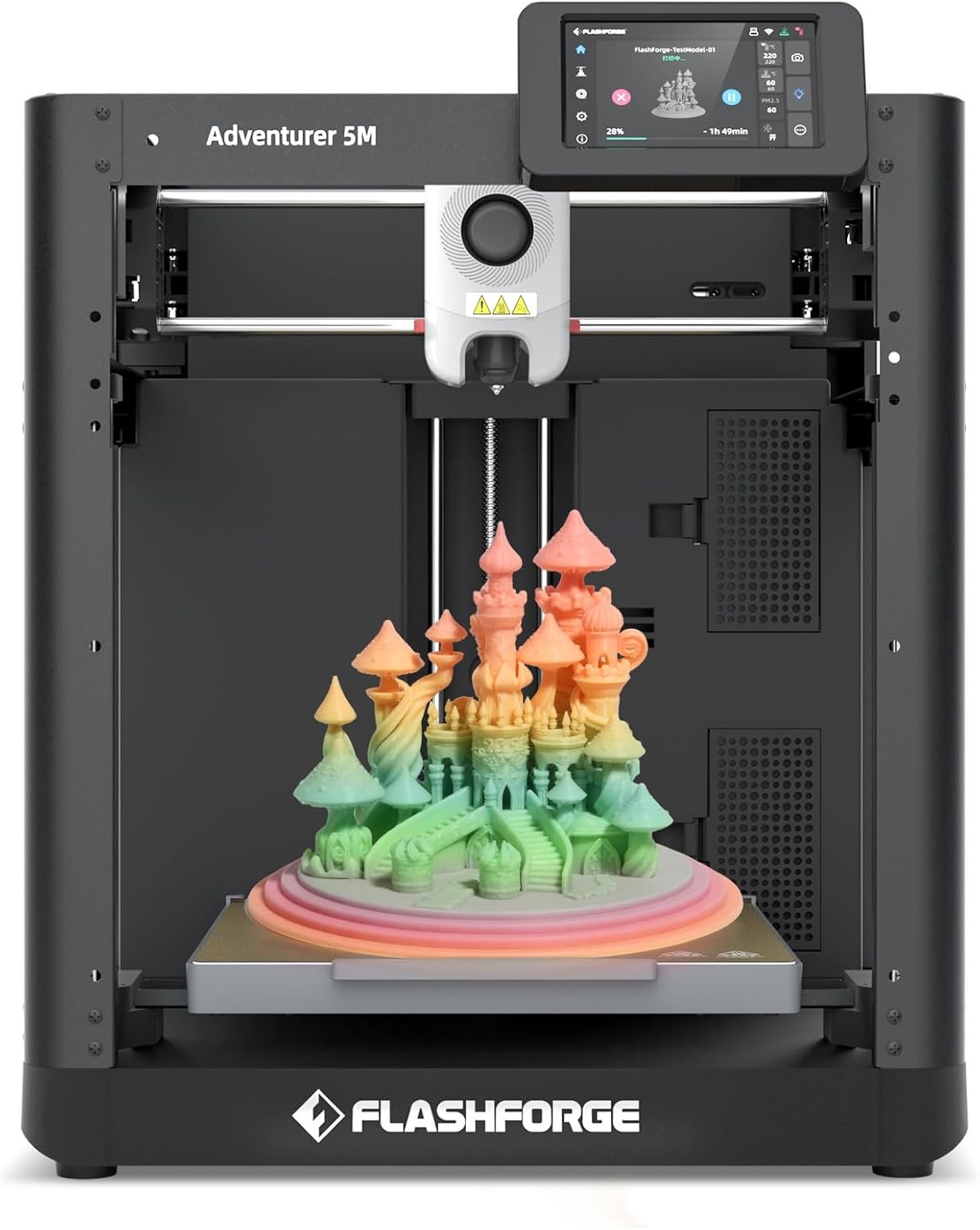
- 7. Flashforge Adventurer 5M: easiest plug-and-play 3D printer
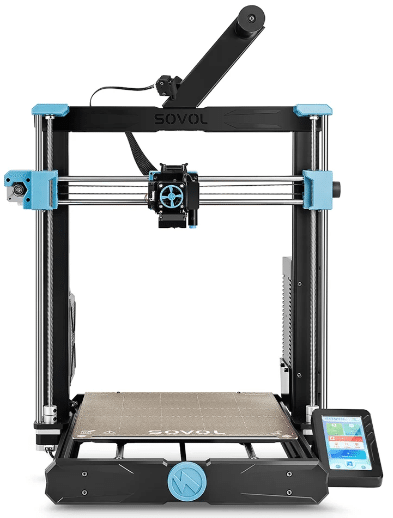
- 8. Sovol SV06 Plus: best beginner printer for large prints
- Which beginner 3D printer should you buy?
- Bottom line
- Beginner 3D printer FAQ
- Keep reading
The best 3D printer for beginners is one that prints well straight out of the box, calibrates itself and doesn’t make you fight with settings before your first successful print. In 2026 that’s easier than ever: automatic leveling, smart sensors and polished apps have removed most of the old frustrations.
Below we compare eight beginner-friendly printers, explain what a first 3D printer must have, and list the mistakes new buyers make most often.
Quick answer: the Bambu Lab A1 Mini is the easiest 3D printer for most beginners. If you want a bigger build plate, get the Bambu Lab A1; on a tight budget, the Creality Ender 3 V3 SE is the best cheap starter; and the Flashforge Adventurer 5M is the most plug-and-play option for families and classrooms.
Best 3D printers for beginners compared
| Model | Best for | Build volume | Strength | Weakness | Price |
|---|---|---|---|---|---|
| Bambu Lab A1 Mini | Absolute beginners | 180 × 180 × 180 mm | Easiest to use | Small build plate | Check price |
| Bambu Lab A1 | Best value | 256 × 256 × 256 mm | Size plus automation | Costs more than budget models | Check price |
| Creality Ender 3 V3 SE | Lowest budget | 220 × 220 × 250 mm | Price and community | Less automated | Check price |
| Anycubic Kobra 3 | Growing fast | 250 × 250 × 260 mm | Speed, multicolor ready | More to learn | Check price |
| Elegoo Neptune 4 | Speed on a budget | 225 × 225 × 265 mm | Klipper, direct drive | Noisier | Check price |
| Prusa Mini+ | Reliability | 180 × 180 × 180 mm | Support and docs | Slower, pricier | Check price |
| Flashforge Adventurer 5M | Plug and play | 220 × 220 × 220 mm | Simplest setup | Closed ecosystem | Check price |
| Sovol SV06 Plus | Large prints | 300 × 300 × 340 mm | Big volume for the price | Slower, more assembly | Check price |
How we chose these beginner 3D printers
- Ease of use: automatic leveling, intuitive interfaces, fast setup and calibration wizards.
- Print quality with default profiles.
- Reliability over many hours of printing.
- Community and support: tutorials, profiles and spare parts.
- Value for money.
- Availability in 2026.
What should a beginner 3D printer have?
- Automatic bed leveling: the single feature that prevents most first-print failures.
- A large community: more tutorials, more print profiles, more spare parts and more help.
- Excellent PLA performance: PLA is the easiest, cheapest filament to learn with.
- Simple assembly: ideally fully assembled or ready in minutes.
- Smart sensors: filament runout detection, power-loss recovery, remote monitoring and error detection.
Mistakes beginners make when buying a 3D printer
The most common one is buying purely on price. A machine that needs constant tinkering leads to failed prints, poor quality, frustration and, often, abandoning the hobby. Look beyond the price tag at community, spare parts, software and support.
The 8 best 3D printers for beginners in 2026
1. Bambu Lab A1 Mini: best 3D printer for beginners
The A1 Mini is arguably the easiest 3D printer you can buy. Leveling, vibration compensation and flow calibration are fully automatic, and the default profiles in Bambu Studio produce excellent prints from day one.
It’s compact enough for a desk, fast for its size and can print in four colors with the optional AMS Lite. Its 180 mm build plate handles decorations, school projects, gadgets, robotics parts and functional pieces.
Key specs
- Build volume: 180 × 180 × 180 mm
- Max speed: up to 500 mm/s
- Automatic leveling and calibration
- Materials: PLA, PETG, TPU
- Touchscreen
- Wi-Fi, app and cloud
- Weight: about 8 kg
- Probably the easiest printer available
- Fully automatic calibration
- Excellent quality from the first print
- Multicolor with AMS Lite
- Outstanding software
- Smaller build volume
- Pricier than the most basic printers
- Not for large parts
- Accessories add up
2. Bambu Lab A1: best value beginner 3D printer
The A1 keeps everything that makes the Mini so easy, from automatic calibration and flow tuning to vibration compensation and error detection, and adds a much bigger 256 mm build volume.
It’s the one to pick if you want room to grow: makers, students, home engineers, robotics fans and content creators can tackle larger projects without upgrading later.
Key specs
- Build volume: 256 × 256 × 256 mm
- Max speed: up to 500 mm/s
- Automatic leveling and calibration
- Materials: PLA, PETG, TPU
- AMS Lite compatible
- Wi-Fi and app
- Excellent value
- Large volume for a beginner printer
- Advanced auto-calibration
- Fast and precise
- Multicolor ready
- Costs more than budget options
- Takes more space than the A1 Mini
- AMS Lite is extra
3. Creality Ender 3 V3 SE: best cheap 3D printer for beginners
The Ender 3 series is one of the most popular printer families ever, and the V3 SE brings automatic leveling and quicker setup at a very low price.
Its biggest asset is the community: thousands of tutorials, forums, tuned profiles, maintenance videos and cheap spare parts. It prints PLA, PETG and TPU well and is a great way to learn how a 3D printer really works.
Key specs
- Build volume: 220 × 220 × 250 mm
- Max speed: 250 mm/s
- Automatic leveling
- Materials: PLA, PETG, TPU
- SD card and USB
- Weight: about 7.1 kg
- Excellent value
- Effective auto-leveling
- Huge community
- Cheap, easy-to-find parts
- Ideal to learn from scratch
- Less automated than Bambu Lab
- Slower than newer models
- Less refined finish
- Basic user experience
4. Anycubic Kobra 3: best for beginners who want to grow fast
The Kobra 3 suits beginners who expect to get serious quickly. It’s fast, has a roomy 250 mm build volume, automatic leveling, smart parameter management and safety sensors, and it’s ready for multicolor printing.
Expect a bit more to learn than with a Bambu A1 Mini, but more headroom as your skills improve.
Key specs
- Build volume: 250 × 250 × 260 mm
- Max speed: up to 600 mm/s
- Automatic leveling
- Materials: PLA, PETG, TPU
- Wi-Fi and app
- Multicolor compatible
- Very fast for the price
- Large build volume
- Good quality on basic settings
- Multicolor ready
- Good value
- More complex than an A1 Mini
- More settings to learn
- Takes more space
5. Elegoo Neptune 4: best fast budget printer for beginners
The Neptune 4 brings Klipper firmware, a direct-drive extruder and high speeds to a budget price. Automatic leveling, a touchscreen and optimized cooling make it beginner-friendly, and it handles PLA, PETG and TPU well.
It’s not quite as plug-and-play as a Bambu printer, but it’s a great platform to learn and evolve on.
Key specs
- Build volume: 225 × 225 × 265 mm
- Max speed: up to 500 mm/s
- Klipper firmware
- Direct-drive extruder
- Automatic leveling
- Materials: PLA, PETG, TPU
- Very fast for the price
- Excellent value
- Effective auto-leveling
- Direct-drive extruder
- Modern Klipper firmware
- Louder than premium printers
- Advanced setup takes learning
- Less plug-and-play than Bambu Lab
6. Prusa Mini+: most reliable beginner 3D printer
Prusa’s compact printer is a favorite of schools, training centers, makers and universities for its reliability. Documentation is excellent, updates are frequent, the community is huge and PrusaSlicer is one of the best slicers available.
It’s slower and more conservative than the newest Klipper machines, but it simply keeps working.
Key specs
- Build volume: 180 × 180 × 180 mm
- Max speed: 200 mm/s
- Automatic leveling
- Materials: PLA, PETG, TPU, ASA
- Color LCD
- USB and network
- Outstanding reliability
- Excellent support and documentation
- Huge community
- Great print quality
- Ideal for education
- Pricier than Asian rivals
- Small build volume
- Slower than modern Klipper printers
7. Flashforge Adventurer 5M: easiest plug-and-play 3D printer
Designed to feel like a home appliance, the Adventurer 5M suits families, teachers, students and anyone without technical experience. Setup is fast, leveling is automatic and the interface is simple.
It’s also quick thanks to a CoreXY design, and its quick-swap nozzles make maintenance painless.
Key specs
- Build volume: 220 × 220 × 220 mm
- Max speed: up to 600 mm/s
- Automatic leveling
- Quick-swap nozzles
- Materials: PLA, PETG, TPU
- Wi-Fi and network
- Extremely easy to use
- Ideal for absolute beginners
- Fast
- Quick nozzle swaps
- Great for classrooms
- More closed ecosystem
- Less customizable
- Smaller community
8. Sovol SV06 Plus: best beginner printer for large prints
If you already know you want to print big cosplay pieces, decorations, large prototypes or DIY projects, the SV06 Plus offers a 300 × 300 × 340 mm volume at a competitive price.
Auto leveling and a direct-drive extruder help beginners, though it’s slower than the latest high-speed machines and takes a little more assembly.
Key specs
- Build volume: 300 × 300 × 340 mm
- Max speed: 250 mm/s
- Automatic leveling
- Direct-drive extruder
- Materials: PLA, PETG, TPU, ABS
- Works with multiple slicers
- Large build volume
- Great for cosplay and big projects
- Very good value
- Direct-drive extruder
- Takes a lot of space
- Slower than high-speed printers
- More assembly
- Less refined than premium models
Which beginner 3D printer should you buy?
| If you want… | Choose |
|---|---|
| The easiest overall | Bambu Lab A1 Mini |
| The best value | Bambu Lab A1 |
| The cheapest good starter | Creality Ender 3 V3 SE |
| To learn and grow fast | Anycubic Kobra 3 |
| Maximum reliability | Prusa Mini+ |
| Something for a small space | Bambu Lab A1 Mini or Prusa Mini+ |
| To print big parts | Sovol SV06 Plus |
Bottom line
For most people starting from zero, the Bambu Lab A1 Mini is the best 3D printer for beginners thanks to its ease of use, print quality, automation and ecosystem. Step up to the A1 for a bigger plate, save money with the Ender 3 V3 SE, or choose the Adventurer 5M if simplicity matters above all.
Beginner 3D printer FAQ
For most people starting from scratch, the Bambu Lab A1 Mini, thanks to its ease of use, print quality, automation and software.
Filament (FDM). It’s easier to use, needs less maintenance and materials are cheaper. Resin offers more detail but involves washing, curing and handling chemicals.
PLA. It’s inexpensive, easy to print, works on almost any printer and gives great results.
Not anymore. Modern printers calibrate themselves, so with a machine like the A1 Mini or Adventurer 5M you can get good prints on day one.
No. Thousands of free models are available on Printables, MakerWorld, Thingiverse and Cults3D. You can start printing right away and learn design later.
Small prints can finish in under an hour; large projects can take many hours or even days. Modern high-speed printers have cut those times considerably.