
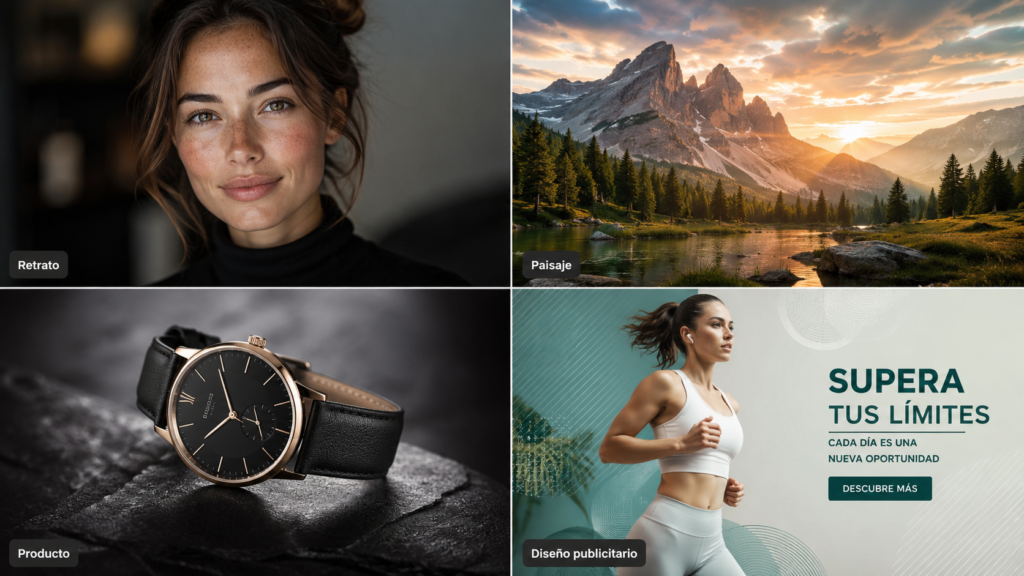
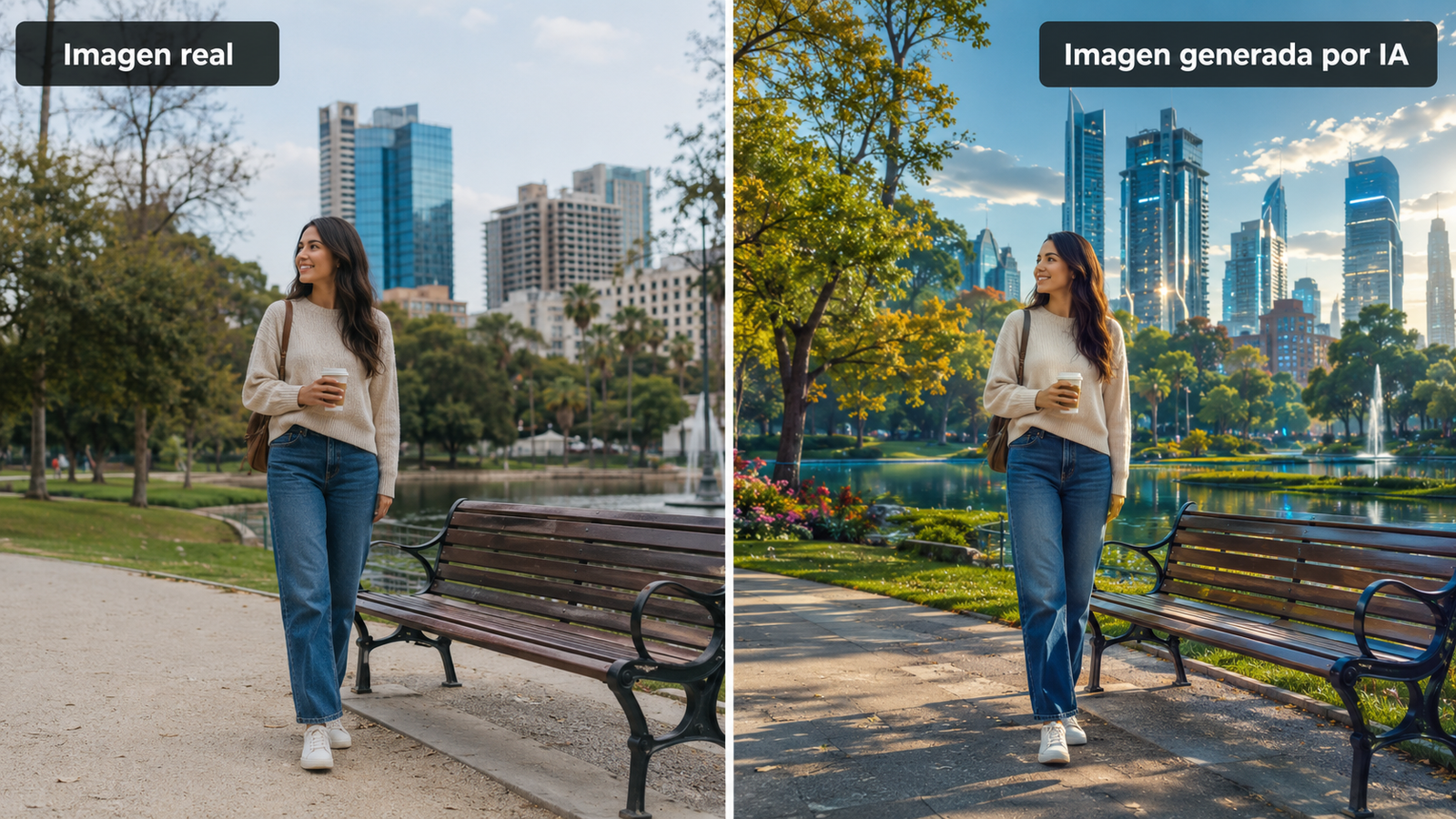
An AI image generator can turn a sentence into a photo, illustration, logo concept or ad in seconds. These tools have changed how marketers, designers, online stores and creators produce visuals. Here’s how AI image generation works, the best tools in 2026 and how to write prompts that get better results.
Quick answer: Midjourney gives the most artistic, striking results; ChatGPT’s image generation (OpenAI’s successor to DALL·E) is the easiest for beginners and great at following detailed instructions; Flux excels at photorealism; Stable Diffusion offers maximum control and can run on your own PC; and Adobe Firefly is the safest bet for professional design work inside Adobe apps.
What is an AI image generator?
It’s a tool that creates images from written instructions called prompts. You describe the scene, style, lighting or composition, and the model generates a new image that matches. Many tools can also edit existing photos, extend them, remove objects or change styles.
How AI image generation works
- You write a prompt describing what you want to see.
- The model interprets the text, turning it into a numerical representation of concepts, styles and relationships.
- It generates the image, usually with a diffusion process that starts from random noise and refines it step by step until it matches the description.
- You refine the result by adjusting the prompt, generating variations or editing specific areas.
Benefits of creating images with AI
- Time savings: visuals in seconds instead of hours.
- Lower costs: fewer photo shoots or stock image purchases for simple needs.
- Expanded creativity: explore styles and ideas you couldn’t easily produce by hand.
- Accessibility: no design skills required.
- Scalability: many variations for campaigns, tests or catalogs.
What AI image generators are used for
- Digital marketing: ad creatives, banners and campaign visuals.
- Social media: posts, covers and thumbnails.
- Ecommerce: product mockups, lifestyle scenes and catalog images (always keep the real product accurate).
- Graphic design: concepts, moodboards and illustrations.
- Education: visual explanations and teaching materials.
The best AI tools for creating images
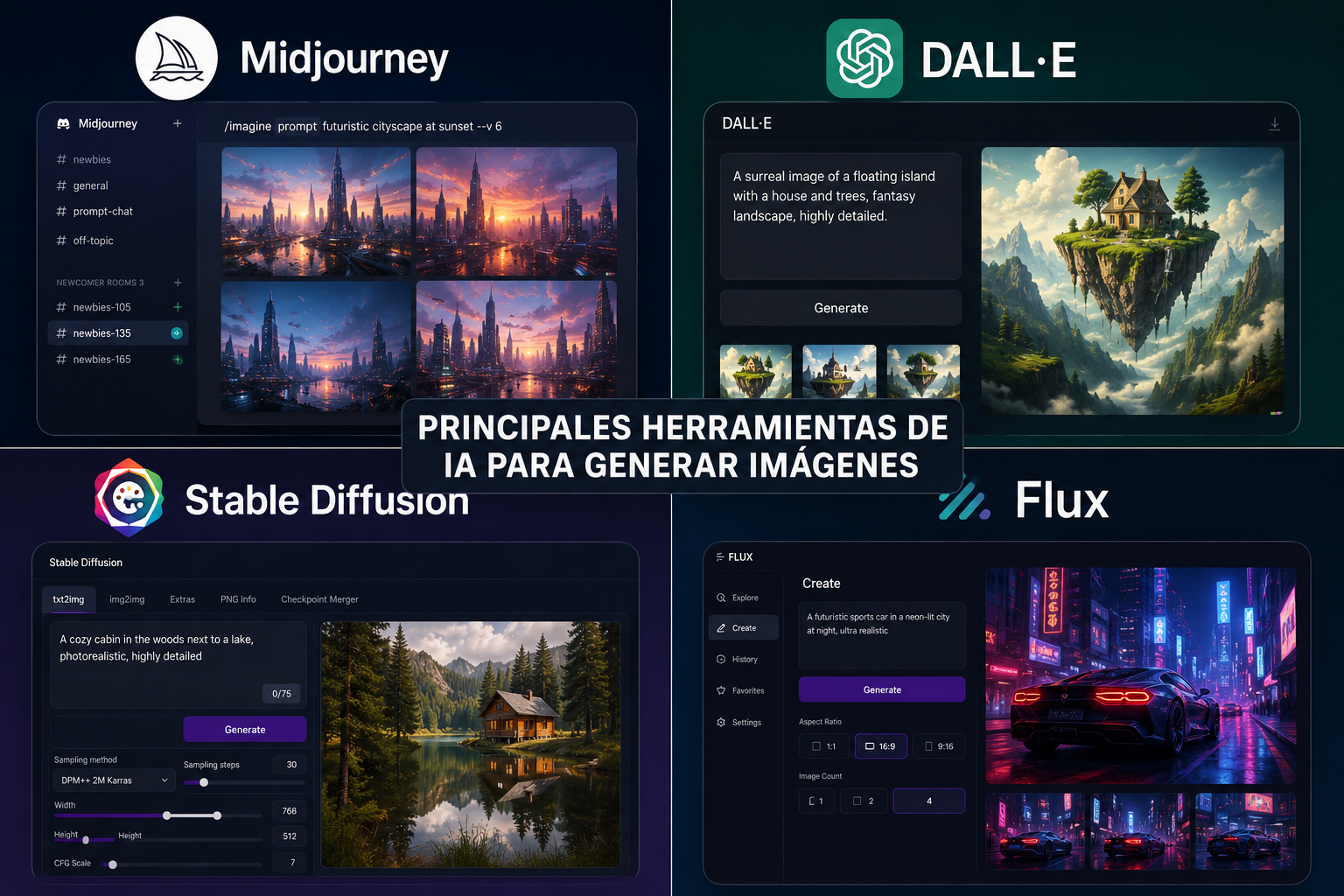
Midjourney
One of the references in AI image generation, known for its aesthetic sense, rich lighting and artistic styles. It works through its website and Discord, and offers style and character references for consistent results.
- Outstanding visual quality
- Very artistic, consistent styles
- Active community and inspiration
- No free plan
- Less precise with complex instructions than some rivals
Ideal for: artists, designers, creators and anyone who prioritizes visual impact.
ChatGPT images (formerly DALL·E)
OpenAI’s image generation is built into ChatGPT. You describe what you want in plain language and refine it in conversation. It’s good at following detailed instructions, rendering text inside images and editing uploaded photos.
- Very easy to use
- Edits through conversation
- Good at text and detailed prompts
- Limited on the free plan
- Less artistic than Midjourney by default
Ideal for: beginners, marketers and anyone who wants fast results without learning prompt tricks.
Stable Diffusion
An open model that can run on your own computer or through many web services. Its huge ecosystem of custom models, extensions and tools such as ControlNet gives you fine control over pose, composition and style.
- Maximum customization
- Can run locally and privately
- Free and open models
- Steeper learning curve
- Running it locally needs a capable GPU
Ideal for: advanced users, developers and anyone who wants full control.
Flux
A family of image models from Black Forest Labs, available through several platforms and apps. It stands out for photorealistic images, accurate anatomy and good prompt adherence.
- Excellent photorealism
- Strong prompt adherence
- Available on many platforms
- Experience depends on the platform you use
- Best versions are paid
Ideal for: realistic photography, products and portraits.
Adobe Firefly
Adobe’s generative AI, integrated into Photoshop, Illustrator, Express and other Creative Cloud apps. Adobe trains it on licensed content and positions it as safe for commercial use.
- Built into professional design tools
- Designed for commercial use
- Powerful editing features like Generative Fill
- Best features require Creative Cloud
- Less spectacular for pure art than Midjourney
Ideal for: professional designers and businesses already using Adobe.
Which AI image generator should you choose?
| If you want… | Choose |
|---|---|
| Creativity and artistic impact | Midjourney |
| Ease of use | ChatGPT images |
| Maximum customization | Stable Diffusion |
| Photorealism | Flux |
| Professional design workflows | Adobe Firefly |
How to get better results with AI images
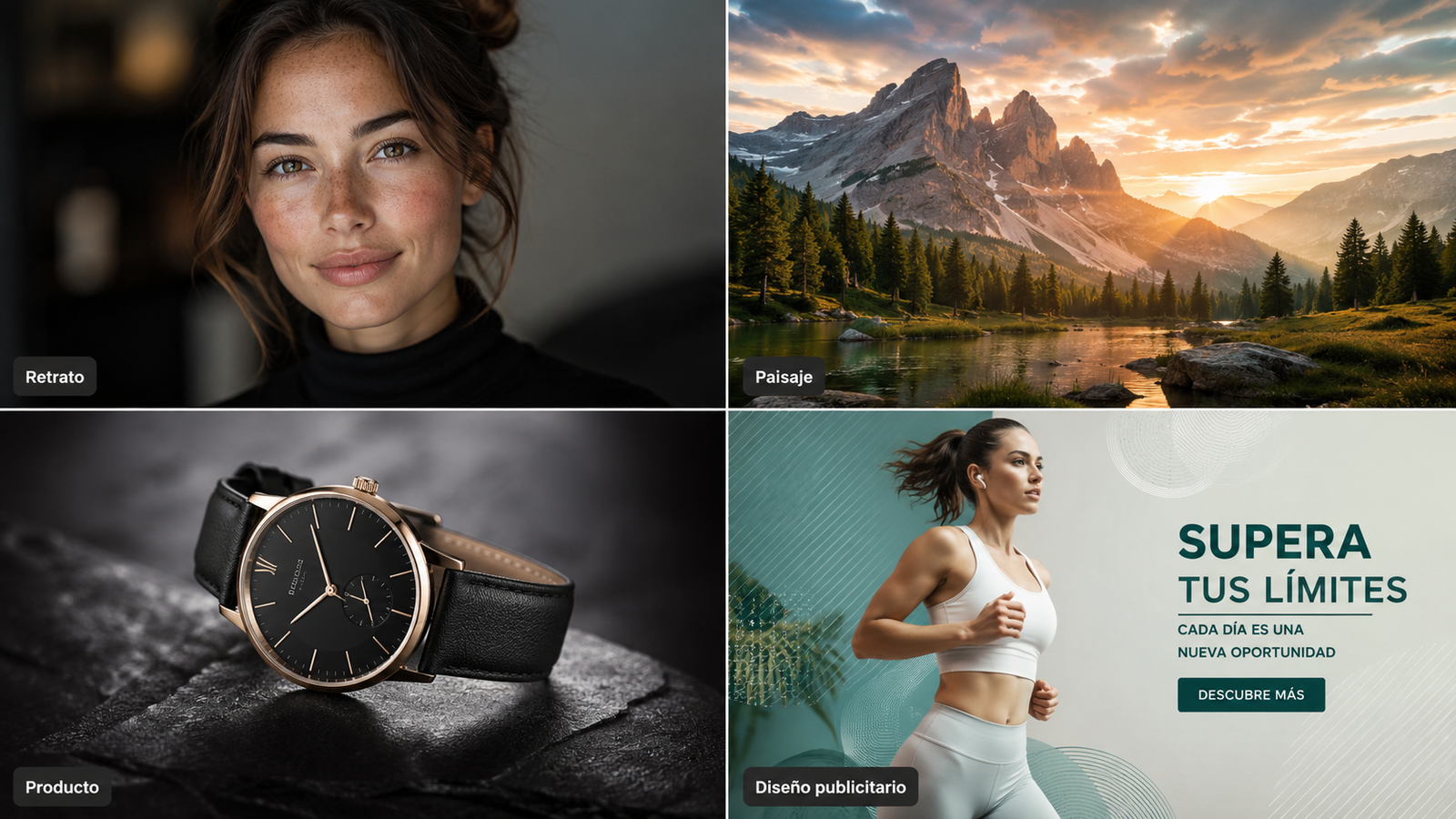
- Describe the subject and setting clearly: who or what, where and doing what.
- Specify the visual style: photo, watercolor, 3D render, flat illustration, cinematic.
- Define the lighting: golden hour, studio light, soft daylight, neon.
- Add camera details for photos: close-up, wide angle, shallow depth of field.
- Set the composition and format: centered subject, empty space for text, vertical 9:16 for stories.
- Iterate: generate variations and adjust one element at a time.
Keep ethics and rights in mind: don’t create misleading images of real people, check each tool’s terms before commercial use and label AI-generated images when they could be mistaken for real photos.
Bottom line
AI image generators have made professional-looking visuals accessible to everyone. Midjourney leads in artistry, ChatGPT in ease of use, Flux in realism, Stable Diffusion in control and Firefly in professional workflows. The tool matters, but clear, detailed prompts make the biggest difference.
AI image generator FAQ
It depends on your needs: Midjourney for creativity and art, ChatGPT images for beginners, Flux for realism, Stable Diffusion for maximum control and Adobe Firefly for professional design.
Yes. ChatGPT, Adobe Firefly and several Stable Diffusion and Flux platforms offer free tiers or trials, although paid plans usually give better quality, speed and limits.
Flux and some advanced Stable Diffusion models stand out for photorealism. Midjourney tends to favor more artistic results.
Write detailed prompts that specify the scene, visual style, lighting, camera and composition, then iterate on the results.
Midjourney usually produces more artistic, striking images. OpenAI’s generator, formerly DALL·E and now built into ChatGPT, stands out for ease of use and following instructions.
Yes. It remains one of the most powerful options for users who want advanced customization and control, and it can run on your own computer.
Often yes, but it depends on each tool’s terms and on not infringing third-party rights. Check the license before using images in products or ads.