
Disclosure: this article contains affiliate links. If you buy through them, Bright Technology may earn a small commission at no extra cost to you. As an Amazon Associate, we earn from qualifying purchases.
The Bambu Lab vs Creality question is the first one almost every buyer asks before picking a 3D printer in 2026. They are the two brands with the most models and the largest user bases, but their philosophies differ a lot. Bambu Lab builds tightly integrated machines that work out of the box, with a more closed software ecosystem. Creality offers more variety, lower entry prices and more freedom to modify. This comparison puts their lineups and their models head to head so you can decide which brand fits you.
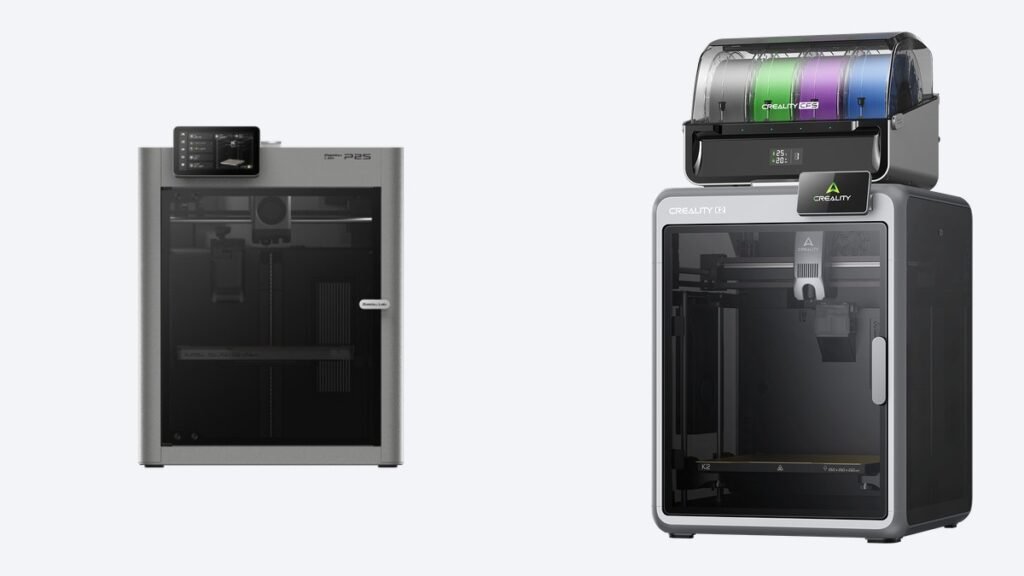
Quick answer: choose Bambu Lab if you want great prints from day one, the most polished multicolor system and the most convenient ecosystem. Choose Creality if you want the lowest price in each class, more build volume per dollar (like the K2 Plus) or a more open machine to tinker with. In the mid-range, the Bambu Lab P2S and the Creality K2 Combo are very evenly matched.
Bambu Lab vs Creality: brand comparison table
| Aspect | Bambu Lab | Creality |
|---|---|---|
| Entry level | A1 mini, A1 | Ender-3 V3 SE, SparkX i7 |
| Mid-range enclosed | P1S, P2S | K1C, K2 Combo |
| Large format | A2L, H2D | Ender-5 Max, K2 Plus Combo |
| Multicolor | AMS lite, AMS 2 Pro, AMS HT; dual nozzle on the X2D and H2D | CFS on the K2 series; four nozzles on the K3 |
| Software | Bambu Studio, Bambu Handy app, MakerWorld | Creality Print, Creality Cloud |
| Openness | More closed ecosystem | More open to modification |
| Resin | Does not make resin printers | Yes (Halot series) |
| US price | See listing | See listing |
Key differences between Bambu Lab and Creality
Ease of use: Bambu Lab wins
Bambu Lab changed the market with printers that calibrate themselves, load filament with a tap and ship with finely tuned profiles. You take the machine out of the box and you are printing well within about half an hour. Creality has closed much of the gap with the K series, which also calibrates itself, but its cheaper models still ask for more tuning from the user.
Price by class: Creality wins
In almost every class, Creality has a cheaper option, or one with more volume for the same money. The Ender-3 V3 SE sits below the A1 mini on price, and the K2 Plus Combo offers 350 × 350 × 350 mm with multicolor for noticeably less than an H2D. That said, with current sales the gap in the mid-range is small, so compare live listings rather than relying on list prices.
Multicolor: AMS vs CFS
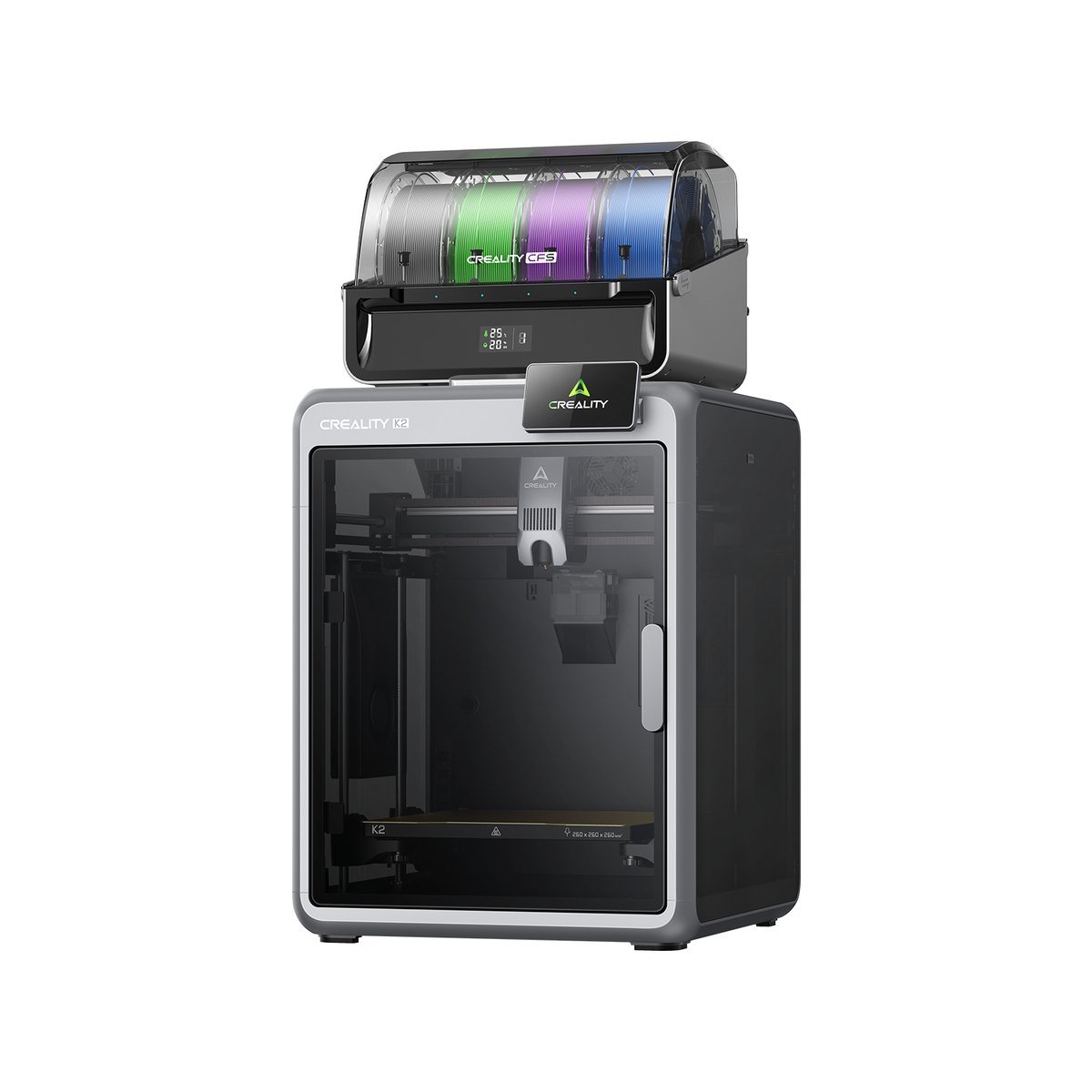
Both brands use four-spool feeders that expand to 16 colors: Bambu Lab’s AMS and Creality’s CFS. The AMS has been on the market longer and its software is more polished. The CFS adds RFID spool reading and humidity control. To cut the filament that gets thrown away, Bambu Lab offers dual nozzles on the X2D and H2D, and Creality goes further with the four nozzles of the Creality K3.
Software and community
Bambu Studio, the Bambu Handy app and the MakerWorld model library make up the most convenient ecosystem on the market: you can start a print from your phone in two taps. Creality answers with Creality Print and Creality Cloud, which do the job well but feel less refined. Both brands work with third-party slicers. Compare your options in our guide to 3D printing software.
Openness and modification: Creality wins
Creality comes from the open Ender world, with a huge community of upgrades and parts. Bambu Lab is more closed: in 2025 it added an authorization check to its firmware that limited third-party software unless you switch on a local developer mode. If you like to tinker, Creality gives you more room. If you just want to print, you will never notice.
Spare parts and support
Both sell spare parts through their official stores: nozzles, hotends, build plates and belts. Bambu Lab stands out for its step-by-step repair guides, while Creality stands out for the sheer number of compatible parts made by third parties. Either way, keep a few basic 3D printer accessories and a spare nozzle on hand.
Model by model: Bambu Lab vs Creality by class
Entry level: Bambu Lab A1 mini vs Creality Ender-3 V3 SE
The Ender-3 V3 SE offers 220 × 220 × 250 mm, noticeably more volume than the 180 mm of the A1 mini. The A1 mini answers with full automatic calibration, lower noise and an optional multicolor add-on. For someone who does not want any hassle, the A1 mini is the pick. For someone who wants more size for less money, the Ender is. See more in our guide to the best beginner 3D printers.
Upper entry level: Bambu Lab A1 vs Creality SparkX i7
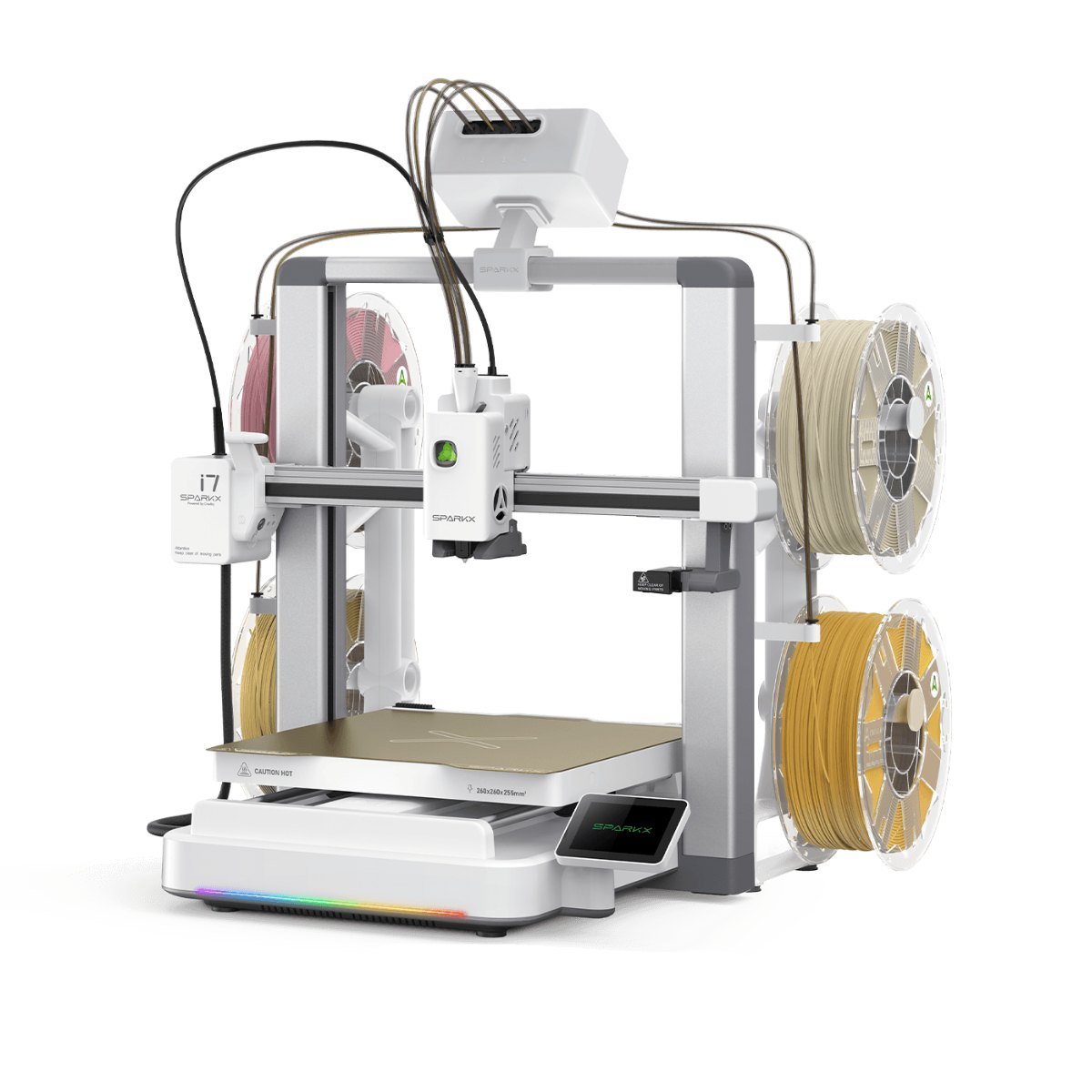
- SparkX i7: 260 × 260 × 255 mm, up to 500 mm/s, AI camera
- Bambu Lab A1: 256 × 256 × 256 mm, up to 500 mm/s
- Both open-frame, for PLA, PETG and TPU
The SparkX i7 is Creality’s direct answer to the A1: the same type of machine, almost identical build volume and an AI camera with failure detection included. The A1 has the more mature ecosystem. If you are torn within Bambu Lab itself, read the A1 mini vs A1 comparison.
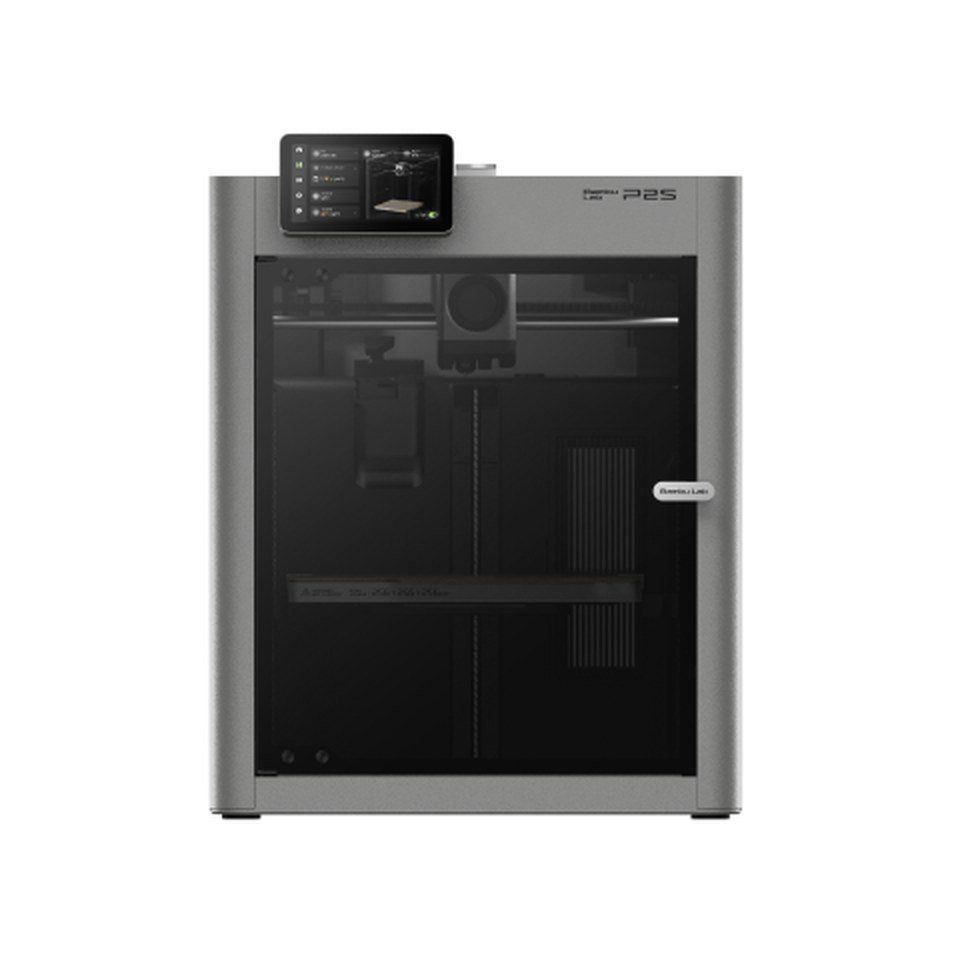
Mid-range enclosed: Bambu Lab P2S vs Creality K2 Combo
| Feature | Bambu Lab P2S | Creality K2 Combo |
|---|---|---|
| Build volume | 256 × 256 × 256 mm | 260 × 260 × 260 mm |
| Top speed | 600 mm/s | 600 mm/s |
| Acceleration | 20,000 mm/s² | 20,000 mm/s² |
| Multicolor | Optional with the AMS (Combo sold separately) | 4-spool CFS included |
| US price | See listing | See listing |
This is the closest duel. The K2 Combo includes multicolor in the box, which makes it very attractive if you want four colors from day one. The P2S is the cheaper choice without an AMS and has the more convenient ecosystem, with a hardened steel nozzle and a bed that reaches 110 °C. If you will mostly print in one color, go P2S. If multicolor is the priority and you want to stretch the budget, go K2 Combo.
Advanced multicolor: Bambu Lab X2D vs Creality K3
The X2D uses dual nozzles and a heated chamber. The K3 switches between four nozzles in about 5 seconds and promises up to 85% less waste. The X2D is already available. The K3 went up for pre-order in the US at $849. If you want to compare more models, see our ranking of the best multicolor 3D printers.
Large format: Bambu Lab H2D vs Creality K2 Plus Combo
Here Creality is hard to beat for volume per dollar: the K2 Plus Combo offers 350 × 350 × 350 mm with CFS multicolor. The H2D has dual nozzles and is more versatile for production work, with optional modules. If you only need big parts in PLA, Bambu Lab’s A2L is the cheaper way to get there.
Which brand should you choose?
- It is your first printer and you want no hassle: Bambu Lab (A1 mini or A1).
- You want the lowest price possible: Creality Ender-3 V3 SE.
- Multicolor included in an enclosed printer without overspending: Creality K2 Combo.
- A versatile enclosed printer for technical materials: Bambu Lab P2S.
- Lots of volume and multicolor: Creality K2 Plus Combo.
- You like to modify and tinker: Creality.
- You also want resin: Creality, which has the Halot series. Bambu Lab does not make resin printers.
If you are weighing other brands such as Elegoo, also read the Bambu Lab A2L vs Elegoo Centauri Carbon 2 comparison.
Common mistakes when comparing 3D printers
- Comparing only top speed: almost all of them pass 500 mm/s. Calibration and quality at real speed matter more.
- Forgetting the cost of multicolor: a Combo can cost noticeably more than the printer on its own.
- Not checking whether it is enclosed: ABS and ASA need an enclosure.
- Ignoring the ecosystem: software, the app and the model library matter a lot day to day.
Frequently asked questions
Bambu Lab is better at ease of use, multicolor and software. Creality is better at price, volume per dollar and freedom to modify. For a beginner, Bambu Lab is usually the safer choice.
In most classes, yes: the Ender-3 V3 SE sits below the A1 mini, and the K2 Plus Combo gives more volume than an H2D for less money. In the mid-range, during sales, prices are very close.
Both feed four spools and expand to 16 colors. The AMS is more polished in software, while the CFS adds RFID spool reading and humidity control. The real difference lies more in the printer than in the feeder.
Bambu Studio is designed for Bambu Lab printers. With a Creality, you would normally use Creality Print or another compatible slicer.
Bambu Lab, thanks to its automatic calibration and its ecosystem. If your budget is very tight, the Creality Ender-3 V3 SE is the cheapest alternative.
Keep reading
- Best 3D printers of 2026
- Creality K3 review and specs
- Best multicolor 3D printers
- Bambu Lab A1 mini vs A1
- Best beginner 3D printers
Official sources
- Bambu Lab: official spec pages and store.
- Creality: official spec pages and store.