
Disclosure: this article contains affiliate links. If you buy through them, Bright Technology may earn a small commission at no extra cost to you. As an Amazon Associate, we earn from qualifying purchases.
The 3D printer accessories that really make a difference are few, and they rarely come in the box: a filament dryer, digital calipers and a good tool kit solve most of the failures new users run into. The rest, such as hardened nozzles, PEI build sheets, an enclosure, a camera or a resin wash station, depends on the materials you print and how you work.
This guide ranks the best 3D printer accessories by priority for both FDM and resin printing, explains what each one does and when it is worth buying, with no filler. If you are still choosing a machine, start with our picks for the best beginner 3D printers.
- 3D printer accessories at a glance
- 1. Tool kit: scrapers, cutters and nozzle cleaners
- 2. Digital calipers
- 3. Filament dryer
- 4. Spare PEI build sheets
- 5. Hardened steel nozzles
- 6. Enclosure
- 7. Camera for monitoring prints
- 8. Wash and cure station for resin
- 9. Gloves and PPE for resin
- What to buy for your situation
- 3D printer accessories FAQ
- Keep reading
Quick answer: for FDM printing, start with a tool kit (scraper, flush cutters and nozzle cleaning needles), digital calipers and a filament dryer. If you print PETG, TPU or nylon, the dryer goes from recommended to essential. For resin, start with nitrile gloves, safety glasses and proper ventilation; a wash and cure station comes next.
3D printer accessories at a glance
| Accessory | What it’s for | Essential or optional |
|---|---|---|
| Tool kit (scrapers, cutters, needles) | Removing parts and supports, clearing clogs | Essential (FDM) |
| Digital calipers | Measuring parts, tolerances and filament diameter | Essential |
| Filament dryer | Removing moisture before and during printing | Essential for PETG, TPU and nylon; recommended for PLA |
| Spare PEI build sheet | Reliable adhesion and easy part release | Highly recommended |
| Hardened nozzles | Printing carbon-fiber, glass-fiber or metal-filled filaments | Optional (required for abrasive filaments) |
| Enclosure | Stable temperature, less warping, emission control | Optional (near-essential for ABS and ASA) |
| Camera | Watching prints remotely and recording time-lapses | Optional |
| Wash and cure station | Cleaning with alcohol and UV-curing resin parts | Highly recommended (resin) |
| Gloves and PPE | Protecting skin, eyes and lungs from resin | Essential (resin) |
1. Tool kit: scrapers, cutters and nozzle cleaners
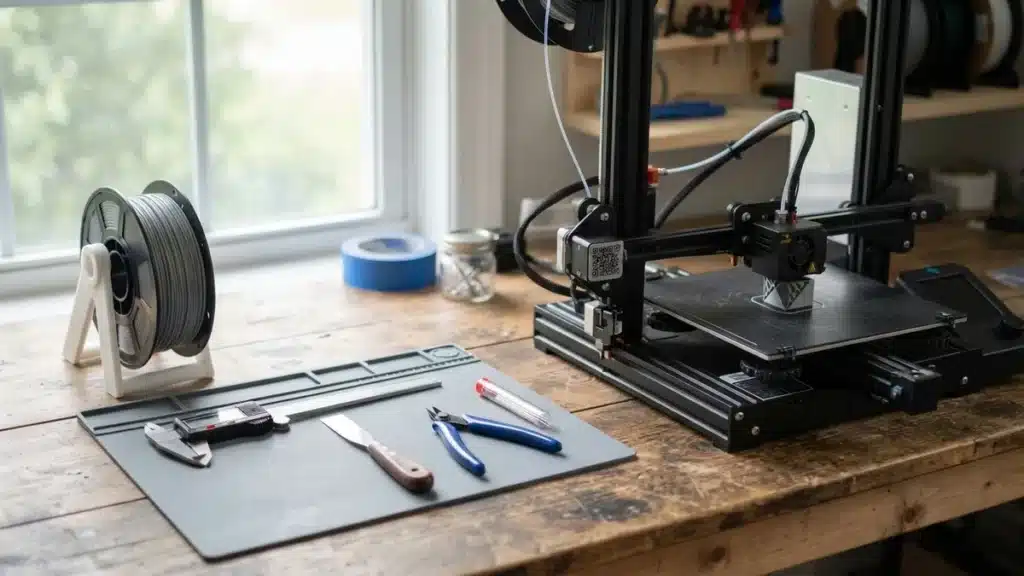
The tool kit is the first accessory to buy, because you will use it on every print. Many printers ship with a basic scraper and a few needles, but they are usually low quality and easy to lose. A complete 3D printing tool kit should include:
- A thin, flexible scraper to lift parts without scratching the bed. Very thin steel blades slide under the first layer more easily.
- Flush cutters for removing supports, brims and filament ends
- Cleaning needles matching your nozzle diameter (0.4 mm is the standard) for clearing hot clogs
- A brass or wire brush for cleaning the nozzle and heater block
- A craft knife and deburring tool for edges and holes
- Hex keys and a nozzle wrench for swapping nozzles and adjusting the frame
A cutting mat and fine tweezers complete the set. If you sand or paint your prints, add sandpaper in several grits.
2. Digital calipers
Digital calipers are essential because 3D printing works in tenths of a millimeter. They let you measure objects before modeling them, check whether a part fits and verify filament diameter, which should be close to 1.75 mm on almost all current printers.
They are also the key tool for calibrating your 3D printer: you use them to check extruder steps, flow with single-wall test cubes and dimensional accuracy in X, Y and Z.
Look for 0.01 mm resolution, a large display and a zero function. Carbon-fiber models are cheaper, while stainless steel ones last longer and are more precise.
3. Filament dryer
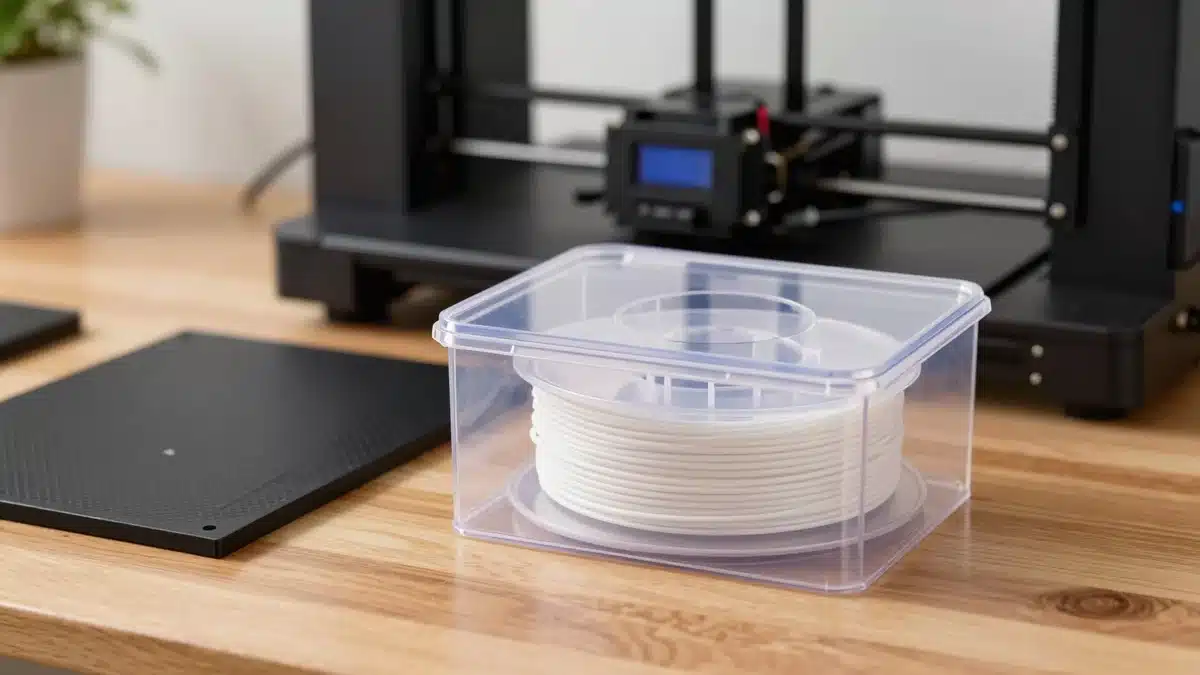
The filament dryer prevents more failures than any other accessory, and it is the one beginners buy last. Almost all filaments absorb moisture from the air. Wet filament causes stringing, bubbles, popping at the nozzle, a rough surface and more brittle parts.
Not every material suffers equally. These are typical drying temperatures and times (always check your filament maker’s guidance):
| Material | Temperature | Approx. time |
|---|---|---|
| PLA | 40–50 °C | 4–6 h |
| PETG | 60–70 °C | 4–6 h |
| ABS / ASA | 65–80 °C | 2–4 h |
| TPU | 50–60 °C | 6–12 h |
| Nylon (PA) | 70–90 °C | 12–16 h |
| Polycarbonate (PC) | 80 °C | 6–8 h |
With PLA you can get by without a dryer if you store spools in airtight bags with silica gel. With PETG, TPU and nylon, a dryer is practically mandatory. If you are unsure which material to use, read our comparison of PLA vs PETG vs ABS.
What to look for in a filament dryer
- Maximum temperature: at least 70 °C if you will dry PETG or nylon.
- Print-from-the-box support: lets the filament stay dry while it feeds the printer.
- Humidity sensor: so you can see when the spool is actually dry.
- Eliminates stringing, bubbles and brittle parts caused by moisture
- Lets you print straight from dry storage
- Essential for PETG, TPU and nylon
- Basic models top out at 55–60 °C
- Many hold only one spool
- Drying nylon or PC takes many hours
4. Spare PEI build sheets
A flexible PEI sheet is the spare part that improves everyday printing the most. Parts stick well when hot and release on their own, or with a gentle flex of the plate, once it cools. In most cases you can forget about hairspray and glue stick.
There are two main finishes:
- Smooth PEI: leaves a glossy, very flat bottom surface. It works very well with PLA, but PETG can bond too strongly and tear pieces of the PEI coating. In that case use a release agent such as glue stick.
- Textured PEI: leaves a grainy surface that hides imperfections. It is more forgiving with PETG and usually lasts longer.
Before buying, check your bed size (for example 235 × 235 mm or 256 × 256 mm) and that your printer has a magnetic base. Clean the sheet with isopropyl alcohol and avoid touching it with your fingers: skin oil is the most common cause of parts coming loose.
Magnetic flexible PEI build plate
Best for: Reliable adhesion and spatula-free release
Check price on Amazon5. Hardened steel nozzles
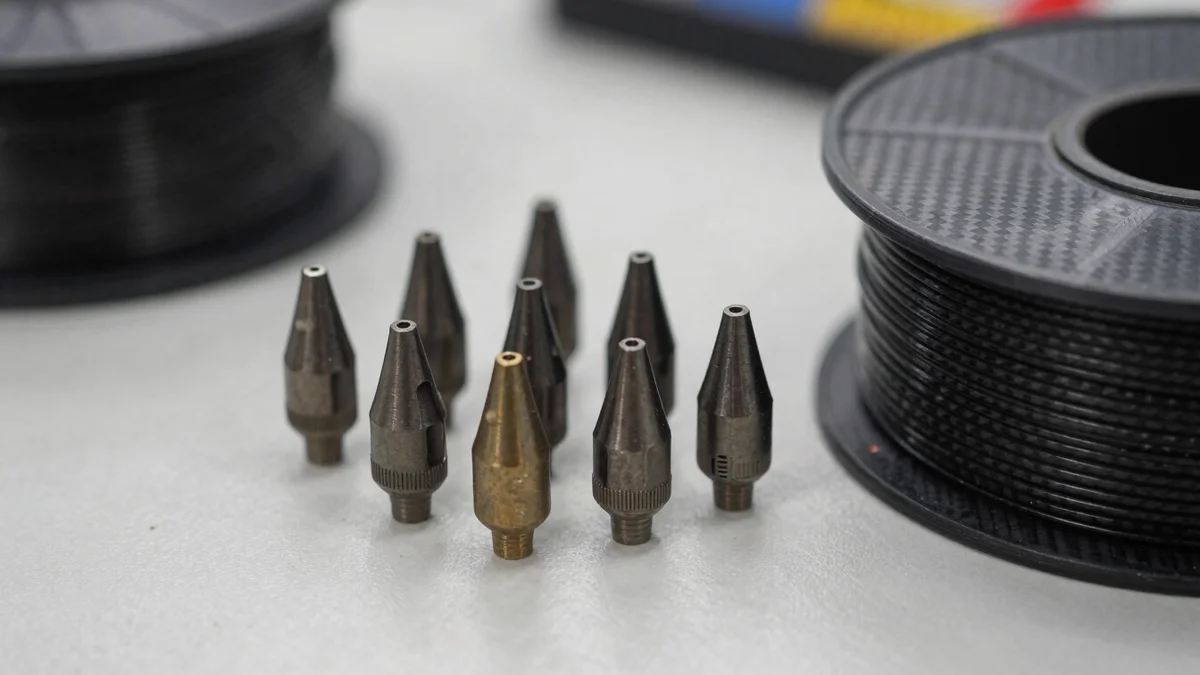
Hardened nozzles are only necessary if you print abrasive filaments. The brass nozzles that come standard on almost every printer wear quickly with carbon fiber, glass fiber or metal fill. With these materials, an unhardened brass or stainless steel nozzle deforms in a short time and starts to extrude unevenly.
A hardened steel nozzle is required for PLA-CF and PLA-GF, fiber-filled PETG (PET-CF/GF), PA-CF/GF, ABS-GF and metal-filled PLA. Glow-in-the-dark PLA is also somewhat abrasive on long prints.
One detail to keep in mind: hardened steel conducts heat less well than brass, so you may need to raise the temperature a few degrees. Always buy the model compatible with your hotend (thread, length and diameter), because nozzles are not interchangeable between brands. For a deeper look at each filament, see our guide to 3D printing materials.
- Withstand carbon-fiber, glass-fiber and metal-filled filaments
- Last much longer than brass with demanding materials
- Open the door to stiffer technical parts
- Poorer thermal conductivity than brass
- Pricier and specific to each hotend
- Unnecessary if you only print regular PLA or PETG
6. Enclosure
An enclosure is close to essential only if you print ABS, ASA, PC or nylon. It keeps warm air around the part, reduces warping (corners lifting) and layer cracking, and blocks drafts.
It also helps reduce noise and, combined with an activated carbon filter, contain some of the emissions from ABS and ASA. If you have an open printer such as an Ender or Neptune and only print PLA, you do not need one. In fact, with PLA it is better to leave the door open so it does not overheat.
The most common options are foldable fire-resistant tents, which are cheaper and easier to set up, and rigid acrylic or adapted cabinet boxes, which insulate better. Choose a size that leaves room for the bed’s full travel, and keep the electronics outside if you can.
- Less warping and cracking with ABS, ASA and nylon
- Reduces drafts, dust and noise
- Lets you add air filtering
- Takes up a lot of space
- Can overheat PLA if fully closed
- Cheap tents insulate less than a rigid box
7. Camera for monitoring prints
A camera is optional but very practical for prints that run many hours. From your phone you can see whether a part has come loose or turned into a spaghetti mess, and stop the printer before wasting more filament. It is also handy for recording time-lapses.
Many recent printers already include a camera. If yours does not, there are two routes: an official camera compatible with your brand’s ecosystem, or a USB webcam connected to a Raspberry Pi running OctoPrint or Klipper (Mainsail or Fluidd). Our guide to 3D printing software covers the options in more detail.
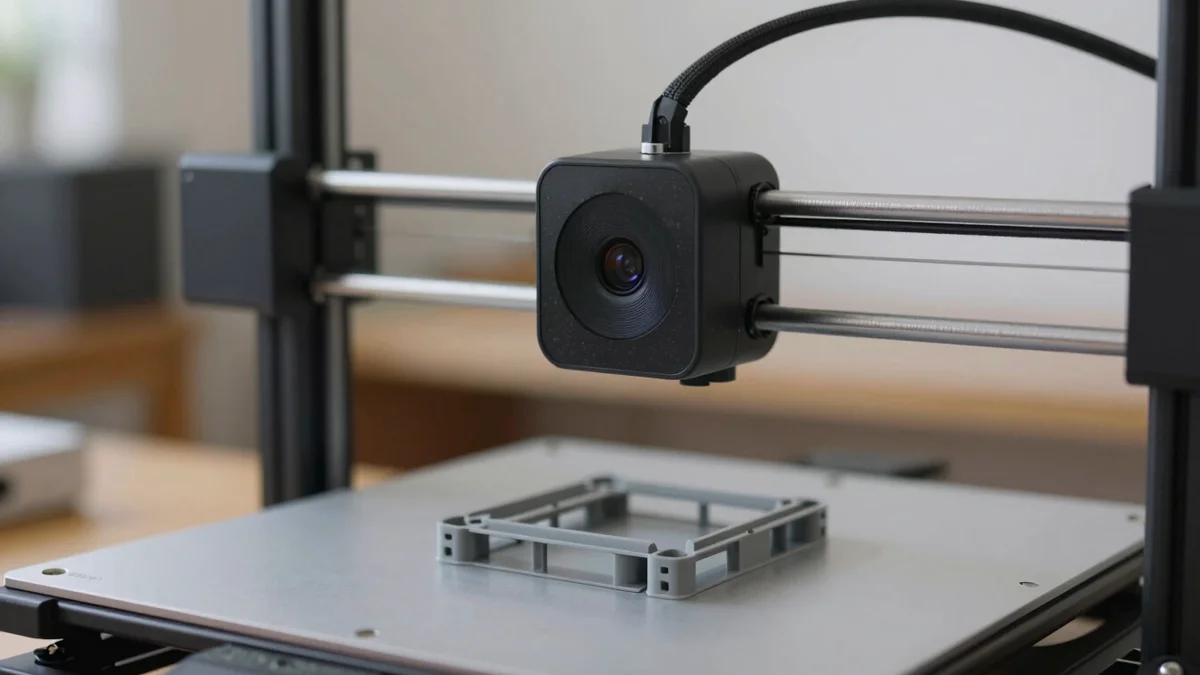
Creality CRCC-S7 webcam (from our store)
In our store we carry the Creality CRCC-S7, Creality’s official webcam. It records at 1080p, is UVC-compatible with Windows, Linux and Mac, focuses at about 40 cm and is designed for the Creality Box and the Creality Cloud app. Our store ships internationally, with the plug adapted to each country. See it in our store.
If you prefer another option, generic USB webcams also work with OctoPrint:
8. Wash and cure station for resin
The wash and cure station is the most useful accessory if you own a resin 3D printer. Parts come out of the vat covered in liquid resin. They have to be washed in isopropyl alcohol (or the liquid the manufacturer specifies, if the resin is water-washable) and then cured with UV light to reach their final hardness.
A station combines both functions: a tank with an agitator for washing and a rotating platform with UV LEDs for curing. It saves time, reduces contact with resin and cures more evenly than leaving a part in the sun.
Check that the wash volume fits your printer’s build plate and that the lid blocks UV light. Over-curing makes parts brittle, so follow the recommended times.
- Even washing and curing in one device
- Less handling of parts covered in liquid resin
- Saves time compared with washing by hand
- Takes space in an area that must be ventilated
- Used alcohol is still hazardous waste
- You need a size that matches your printer
9. Gloves and PPE for resin
Gloves and personal protective equipment (PPE) are essential with resin, not an optional accessory. Uncured resin can irritate skin and cause sensitization, an allergy that can get worse with each exposure.
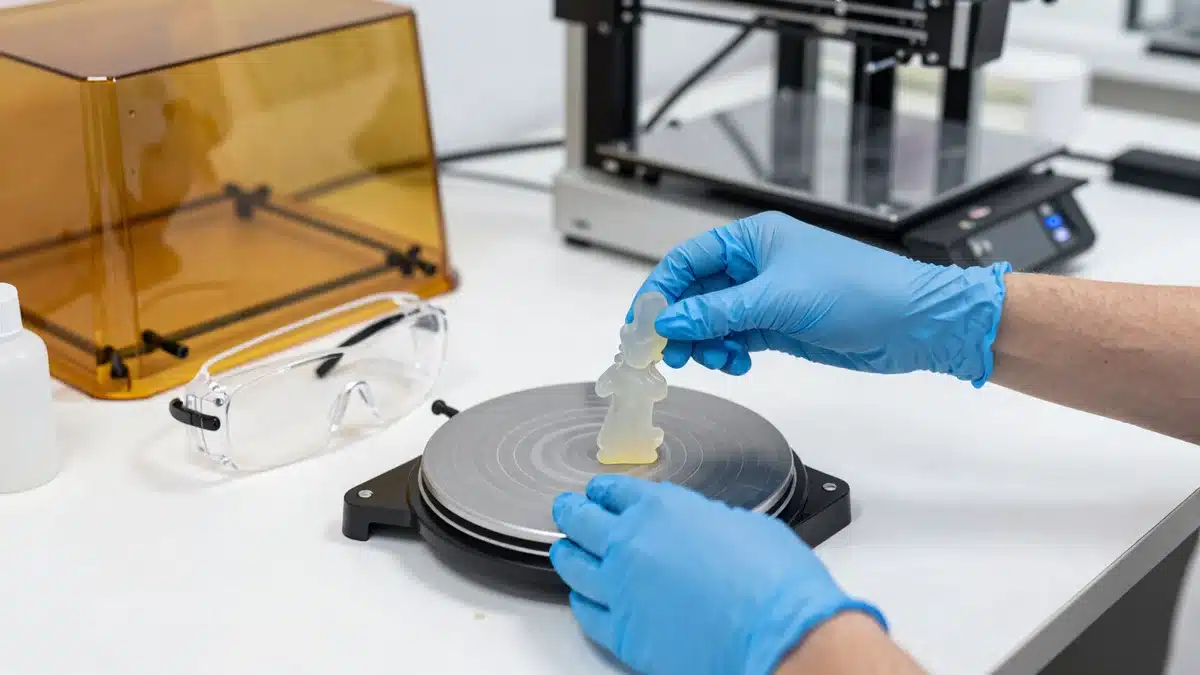
The recommended minimum:
- Nitrile gloves (not latex or vinyl), at least 0.1 mm thick. Change them every session and remove them by turning them inside out.
- Safety glasses with side protection, or splash goggles when filling the vat.
- Real ventilation: an exhaust fan that vents outdoors, or an enclosure with an activated carbon filter. A cracked window is not enough in small spaces.
- A respirator with organic vapor cartridges if you print in a small room or for many hours. N95 masks do not stop vapors.
- An apron or old clothes, paper towels and a silicone mat for your work area.
Never pour liquid resin or used alcohol down the drain. Leave them in a container in the sun or under a UV lamp until the resin solidifies, then dispose of the residue according to your local hazardous-waste rules.
What to buy for your situation
You do not need to buy everything at once. These are the most sensible combinations depending on how you print:
- Just started with FDM and PLA: a tool kit and digital calipers. Store filament in airtight bags with silica gel. Not set on a printer yet? See our guide to FDM 3D printers.
- Printing PETG, TPU or nylon: add a filament dryer and a textured PEI sheet.
- Technical parts with carbon or glass fiber: a hardened nozzle compatible with your hotend, plus a dryer, since these filaments are usually nylon or PETG based.
- Printing ABS or ASA: an enclosure, ideally with a filter, and a ventilated room.
- Long prints: a camera to watch them remotely.
- Working with resin: nitrile gloves, glasses and ventilation first, then a wash and cure station.
3D printer accessories FAQ
For an FDM printer, a tool kit (scraper, flush cutters and nozzle cleaning needles) and digital calipers are enough. You can store PLA in airtight bags. If you print PETG, TPU or nylon, add a filament dryer.
Not always with well-stored PLA. With PETG, TPU and especially nylon, yes: they absorb moisture from the air and cause stringing, bubbles and brittle parts. A dryer that reaches 70 °C covers most materials.
Typically 60–70 °C for about 4–6 hours. Always check the manufacturer’s recommendation for your specific filament.
Only when printing abrasive filaments with carbon fiber (CF), glass fiber (GF) or metal fill. With regular PLA, PETG, ABS or TPU, a brass nozzle is enough and conducts heat better.
Textured is more versatile: it works well with PLA and PETG and hides marks. Smooth gives a glossy, very flat finish that suits PLA, but PETG can stick too hard and damage it without a release agent.
Only for ABS, ASA, PC and nylon, where it reduces warping and cracking. For PLA on an open printer you do not need one, and fully closing it can overheat the filament.
Nitrile gloves, safety glasses and good ventilation are the minimum. In small rooms or long sessions, add a respirator with organic vapor cartridges. Never pour liquid resin or used alcohol down the drain.
Yes, if you run long prints or print while away from home. It lets you catch failures early and stop the print from your phone. Many recent printers include one; if not, use an official camera or a USB webcam with OctoPrint or Klipper.
A tool kit, because you use it on every print. Then digital calipers and, if you print anything beyond PLA, a filament dryer.
Official source: Bambu Lab Wiki: filament and nozzle material table