
Disclosure: this article contains affiliate links. If you buy through them, Bright Technology may earn a small commission at no extra cost to you. As an Amazon Associate, we earn from qualifying purchases.
- Best FDM 3D printers compared
- How we picked these printers
- What is an FDM 3D printer?
- What to look for in a filament 3D printer
- The 8 best filament 3D printers of 2026
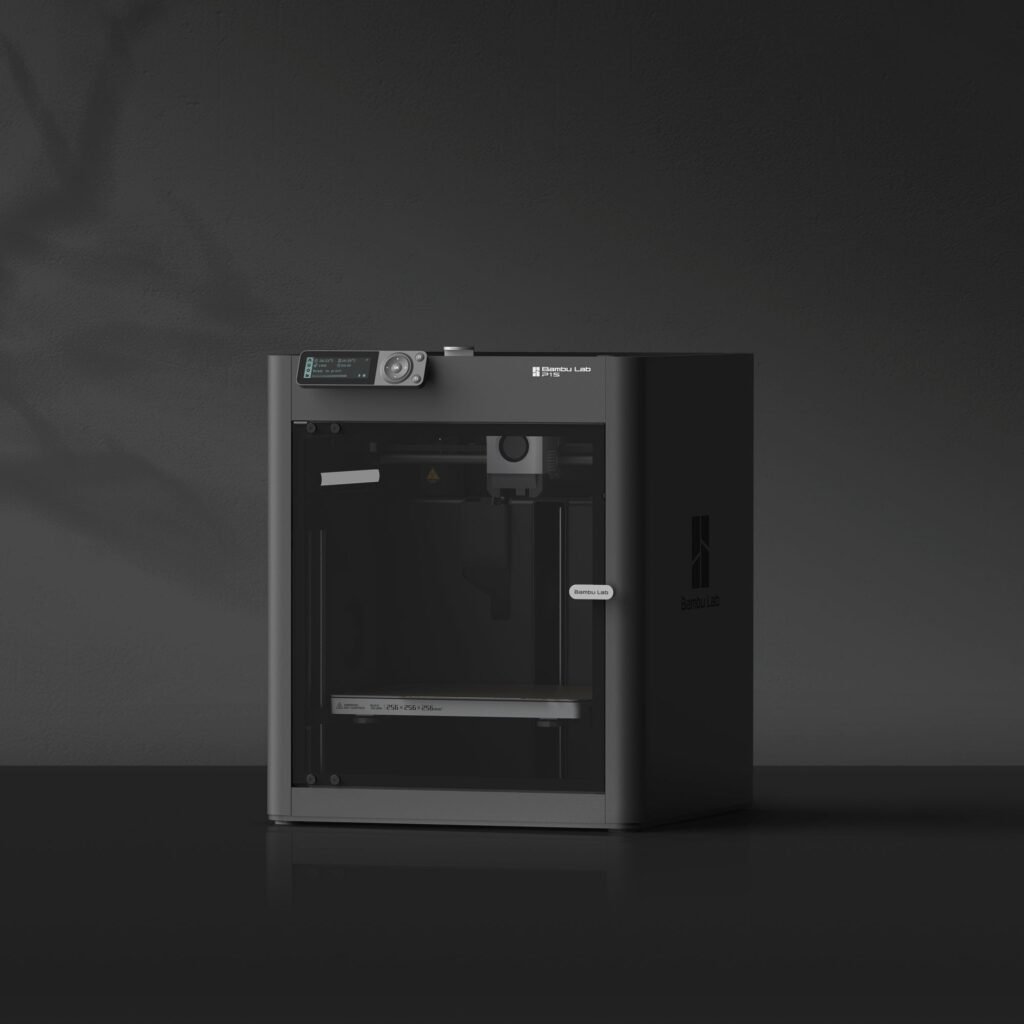
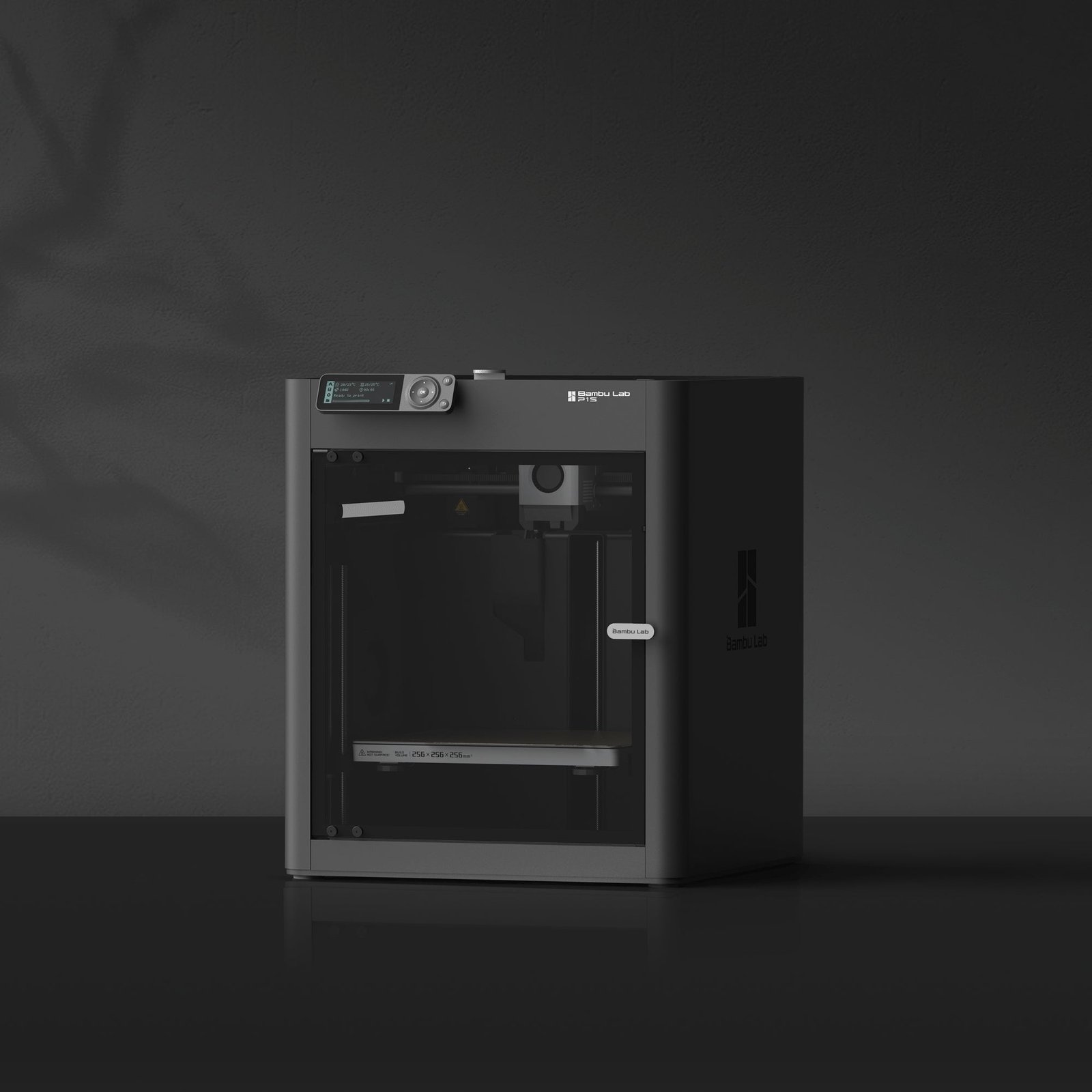
- 1. Bambu Lab P1S: best FDM 3D printer overall
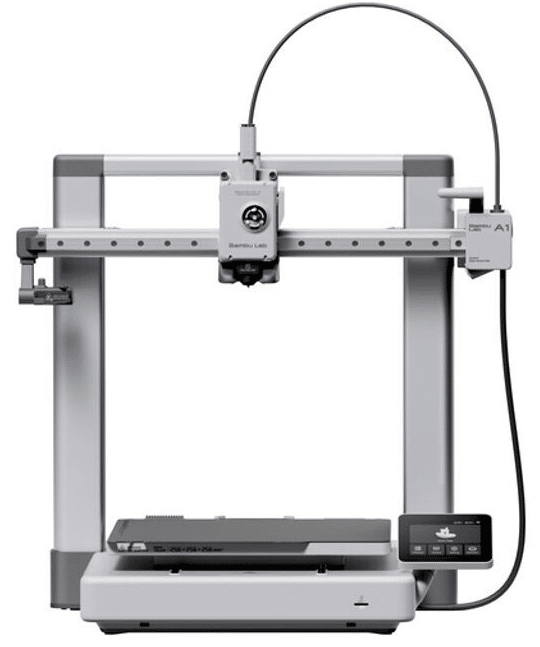
- 2. Bambu Lab A1: best 3D printer for beginners
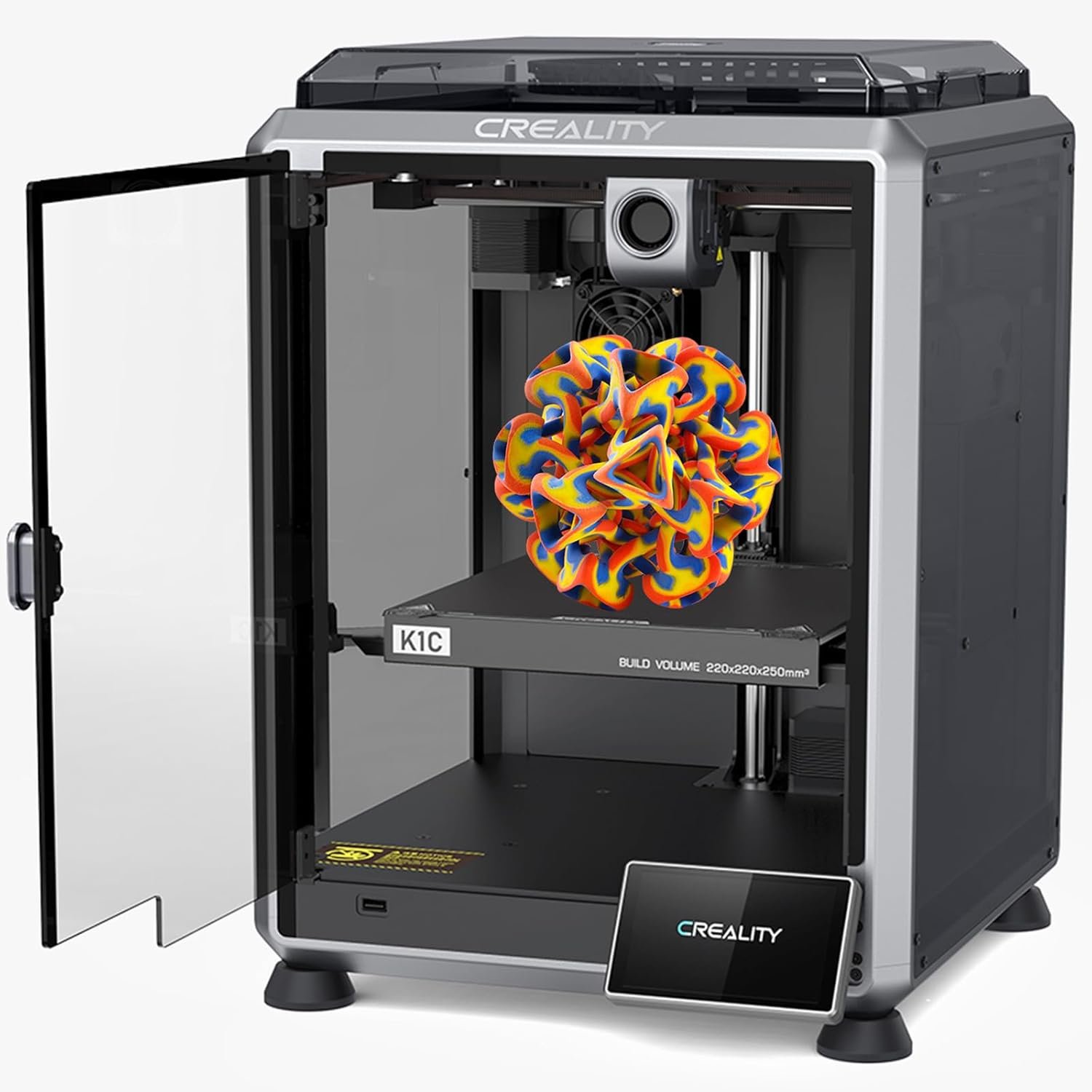
- 3. Creality K1C: best for technical materials
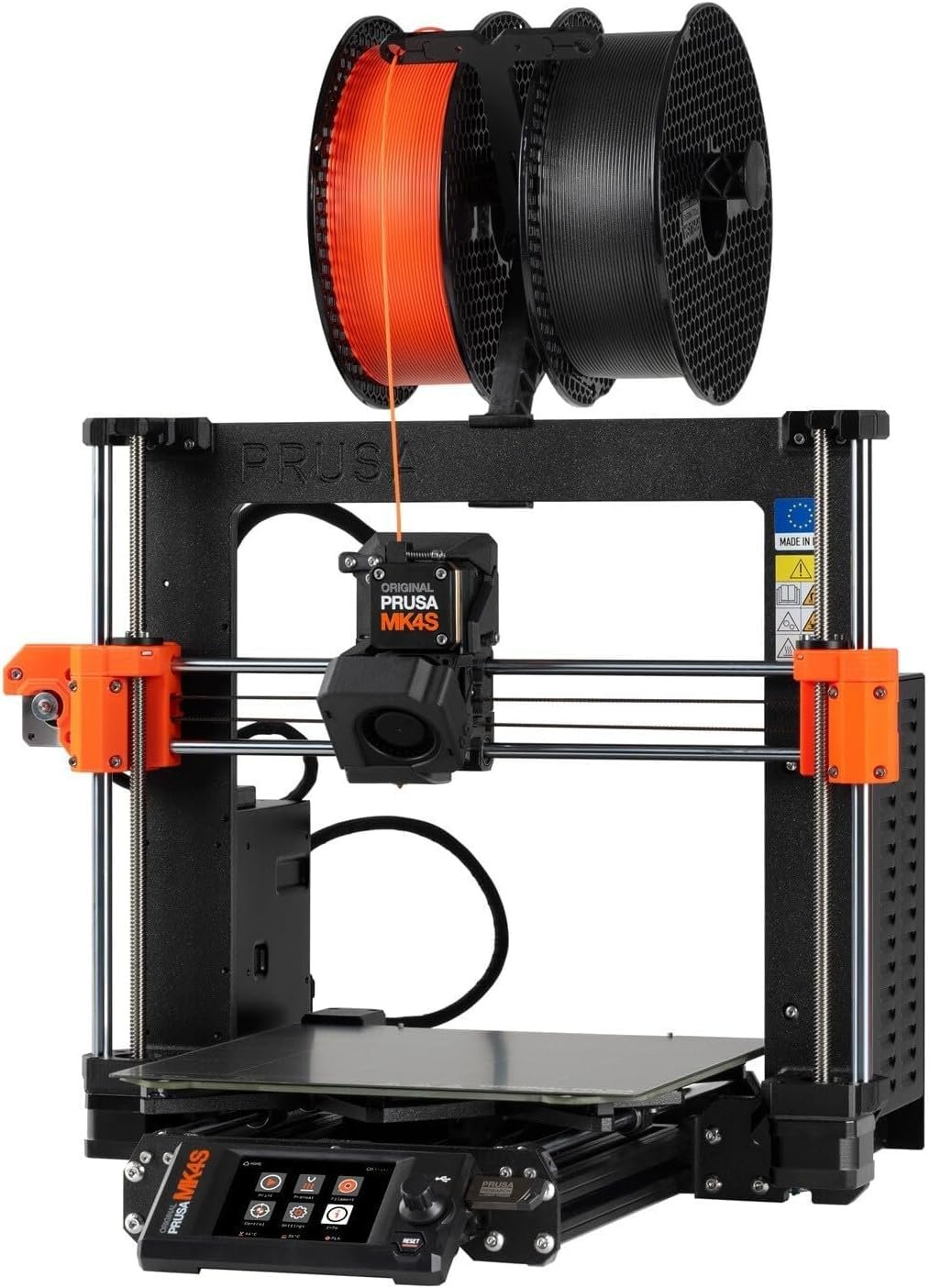
- 4. Prusa MK4S: most reliable filament printer
- 5. Anycubic Kobra 3 Combo: best value multicolor printer
- 6. Elegoo Neptune 4 Plus: best large printer on a budget
- 7. Flashforge Adventurer 5M: best plug-and-play printer
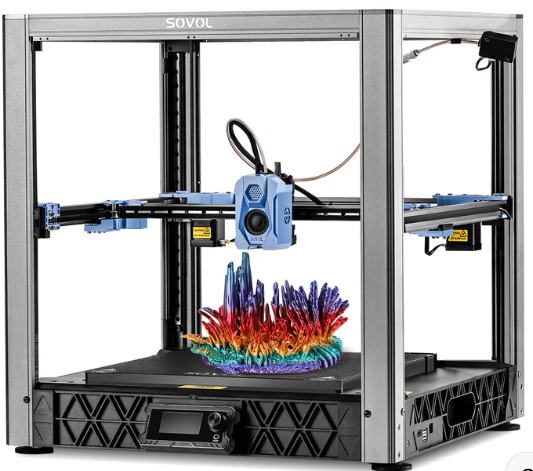
- 8. Sovol SV08: best large-format FDM printer
- Which filament 3D printer should you buy?
- Pros and cons of filament 3D printers
- Bottom line
- Filament 3D printer FAQ
- Keep reading
The best FDM 3D printer for most people in 2026 is the Bambu Lab P1S, but the right choice depends on whether you’re a beginner, an engineer printing technical materials, a cosplayer who needs a huge build plate or a small business that prints every day.
Filament printers, also called FDM (fused deposition modeling) printers, are still the most popular type of 3D printer. They’re cheaper to run than resin machines, work with a huge range of materials and are now fast, quiet and largely automated. Below we compare eight current models and explain what to look for before you buy.
Quick answer: the Bambu Lab P1S is the best all-round filament 3D printer. Beginners should get the Bambu Lab A1, engineers printing carbon-fiber and ABS should consider the Creality K1C, the Prusa MK4S is the most reliable workhorse, and the Sovol SV08 is the pick for large prints.
Best FDM 3D printers compared
| Model | Best for | Build volume | Strength | Weakness | Price |
|---|---|---|---|---|---|
| Bambu Lab P1S | Best overall | 256 × 256 × 256 mm | Speed and ecosystem | Costs more than entry models | Check price |
| Bambu Lab A1 | Beginners | 256 × 256 × 256 mm | Very easy to use | Open frame | Check price |
| Creality K1C | Technical materials | 220 × 220 × 250 mm | Fast, hardened nozzle | Learning curve | Check price |
| Prusa MK4S | Reliability | 250 × 210 × 220 mm | Quality and support | Higher price | Check price |
| Anycubic Kobra 3 Combo | Multicolor value | 250 × 250 × 260 mm | ACE Pro multicolor | More waste and upkeep | Check price |
| Elegoo Neptune 4 Plus | Large prints on a budget | 320 × 320 × 385 mm | Size and speed | Needs space | Check price |
| Flashforge Adventurer 5M | Plug and play | 220 × 220 × 220 mm | Simple setup | More closed ecosystem | Check price |
| Sovol SV08 | Large format | 350 × 350 × 345 mm | Massive volume | Big footprint | Check price |
How we picked these printers
- Reliability: consistent results over hundreds of hours, without known recurring faults.
- Print quality: clean results on both decorative and functional parts.
- Material support: PLA, PETG, TPU, ABS, ASA and engineering filaments.
- Software ecosystem: slicer quality, profiles, app and remote control.
- Maintenance: easy part swaps, spare availability and firmware updates.
- Value: the best balance of cost and performance, not just the most expensive machines.
What is an FDM 3D printer?
An FDM printer builds objects by melting thermoplastic filament in a heated hotend and depositing it layer by layer, following instructions generated by slicer software. It’s the most common 3D printing technology because machines and materials are affordable, maintenance is simple and the community is enormous.
Compared with resin printers, FDM machines need no liquid resin, washing or UV curing, offer bigger build volumes and produce stronger functional parts. Resin still wins on fine detail for miniatures, jewelry and dental models.
What to look for in a filament 3D printer
Build volume
Around 220 × 220 × 250 mm is enough for most home users. For cosplay helmets, props or large prototypes, look for 300 mm or more on each axis.
Print speed
Modern CoreXY printers running Klipper or similar firmware print several times faster than older bed-slingers, which saves hours on big jobs.
Extruder type
Direct-drive extruders handle flexible filaments like TPU much better than Bowden setups.
Enclosure
An enclosed chamber keeps temperatures stable and is strongly recommended for ABS, ASA and other technical materials that warp in drafts.
Automatic bed leveling
Now close to essential. It shortens the learning curve and raises the success rate of first layers.
The 8 best filament 3D printers of 2026
1. Bambu Lab P1S: best FDM 3D printer overall
If you want one filament printer that suits almost everyone, from advanced hobbyists to small print shops, the P1S is it. Bambu Lab shook up the FDM market by packing features once reserved for far pricier machines into an affordable, polished package.
Its CoreXY motion system prints complex parts dramatically faster than traditional designs without losing quality. The enclosure keeps temperatures stable for ABS and ASA, Bambu Studio is one of the most respected slicers, and the optional AMS unit turns it into a capable multicolor and multi-material printer.
Beginners get excellent results with default profiles, while experienced users have room to grow for years.
Key specs
- Build volume: 256 × 256 × 256 mm
- Technology: CoreXY FDM
- Max speed: up to 500 mm/s
- Enclosed chamber: yes
- Multicolor: AMS compatible
- Materials: PLA, PETG, TPU, ABS, ASA, technical filaments
- Wi-Fi, app and cloud control
- Outstanding value in the FDM market
- Very fast printing
- Enclosure for technical materials
- AMS multicolor support
- Excellent software ecosystem
- Costs more than basic printers
- AMS adds to the total price
- Overkill for absolute beginners on a tight budget
2. Bambu Lab A1: best 3D printer for beginners
The A1 is the printer we recommend most often to home users. It removes nearly every traditional barrier to 3D printing: automatic leveling, smart calibration, automatic flow control, error detection and a friendly mobile app.
Print quality is excellent with basic settings, and speeds are far above typical entry-level machines. Add the AMS Lite and you can print in up to four colors for figures, decorations, classroom projects and gifts.
Its open frame makes it less suited to ABS or ASA, but for PLA, PETG and TPU it’s hard to beat.
Key specs
- Build volume: 256 × 256 × 256 mm
- Max speed: up to 500 mm/s
- Automatic leveling and calibration
- AMS Lite compatible
- Materials: PLA, PETG, TPU
- Wi-Fi and mobile app
- Touchscreen
- Excellent value
- Very easy to use
- Great print quality
- Fast
- Multicolor with AMS Lite
- Intuitive software
- No enclosure
- Less suited to ABS/ASA than the P1S
- AMS Lite costs extra
3. Creality K1C: best for technical materials
Creality’s K1C is aimed at users who’ve moved beyond PLA. It combines CoreXY speed with an enclosure and a hardened nozzle designed for abrasive filaments, making it a strong choice for engineering, robotics and functional prototypes.
It handles ABS, ASA, PETG, TPU and carbon-fiber-filled filaments, and Creality’s huge community means plenty of tested profiles, tutorials and spare parts.
Key specs
- Build volume: 220 × 220 × 250 mm
- Technology: CoreXY FDM
- Max speed: up to 600 mm/s
- Enclosed chamber and hardened nozzle
- Carbon-fiber filament ready
- Built-in camera, Wi-Fi and app
- Very fast
- Enclosure for ABS and ASA
- Hardened nozzle included
- Prints carbon-fiber filaments
- Large community
- Less beginner-friendly
- Smaller build volume than large-format models
- Steeper learning curve
4. Prusa MK4S: most reliable filament printer
Prusa Research built its reputation on reliability, quality and support, and the MK4S continues that tradition. Rather than chasing headline speeds, it focuses on consistent results over thousands of hours, which is why schools, labs and engineering teams love it.
Build quality feels premium, PrusaSlicer remains a benchmark, and the documentation and customer support are among the best in the industry.
Key specs
- Build volume: 250 × 210 × 220 mm
- Nextruder extruder
- Automatic leveling
- Materials: PLA, PETG, TPU, ABS, ASA, nylon
- Color LCD
- Ethernet and Prusa Connect
- Exceptional reliability
- Best-in-class support
- Premium build
- Wide material support
- PrusaSlicer
- Pricier than many Asian rivals
- Not the fastest
- More conservative design
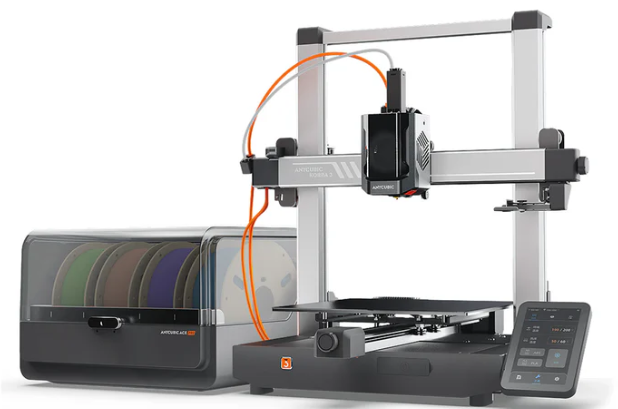
5. Anycubic Kobra 3 Combo: best value multicolor printer
Multicolor printing used to mean complex setups or big budgets. The Kobra 3 Combo changes that with its ACE Pro unit, which swaps filaments automatically during a print.
It’s popular with makers and small online sellers for figures, logos, signs and personalized gifts, and adds modern essentials like auto leveling, high speed and remote monitoring.
Key specs
- Build volume: 250 × 250 × 260 mm
- Max speed: up to 600 mm/s
- ACE Pro multicolor system
- Materials: PLA, PETG, TPU
- Automatic leveling
- Wi-Fi and remote management
- Strong multicolor system
- Fast for the price
- Great value
- Ideal for creative projects
- Color changes waste filament
- Takes more space
- More maintenance
- Ecosystem not as polished as Bambu Lab’s
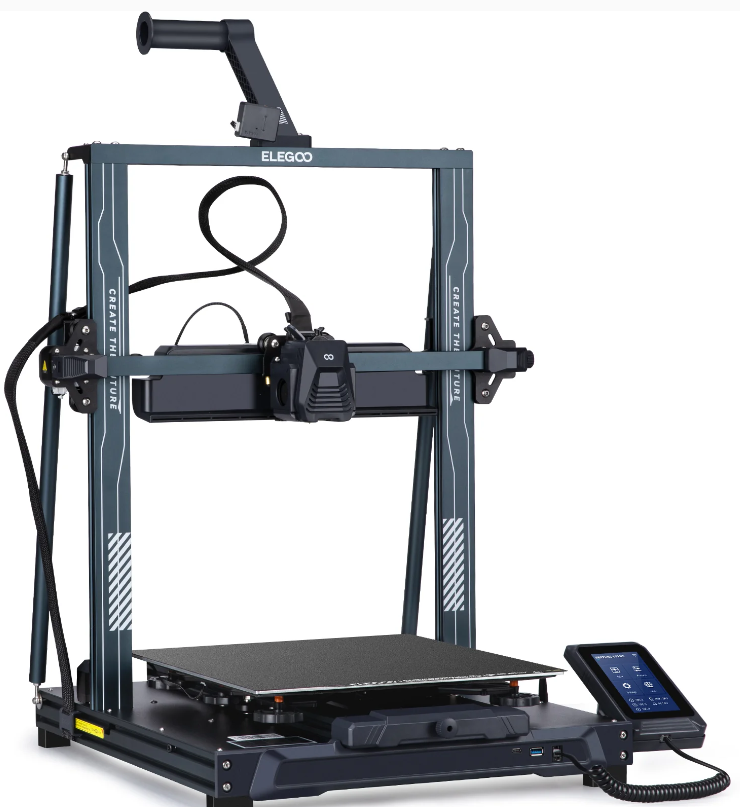
6. Elegoo Neptune 4 Plus: best large printer on a budget
The Neptune 4 Plus balances a big build volume, high speed and a competitive price. Its 320 × 320 × 385 mm volume lets you print cosplay pieces and large prototypes without splitting models into parts.
Klipper firmware and a direct-drive extruder keep quality solid at high speeds, and it prints PLA, PETG, TPU and ABS.
Key specs
- Build volume: 320 × 320 × 385 mm
- Max speed: up to 500 mm/s
- Klipper firmware
- Direct-drive extruder
- Automatic leveling
- Materials: PLA, PETG, TPU, ABS
- Large build volume
- Great value
- Klipper out of the box
- Fast for its size
- Needs plenty of space
- No enclosure
- Less automated than Bambu Lab
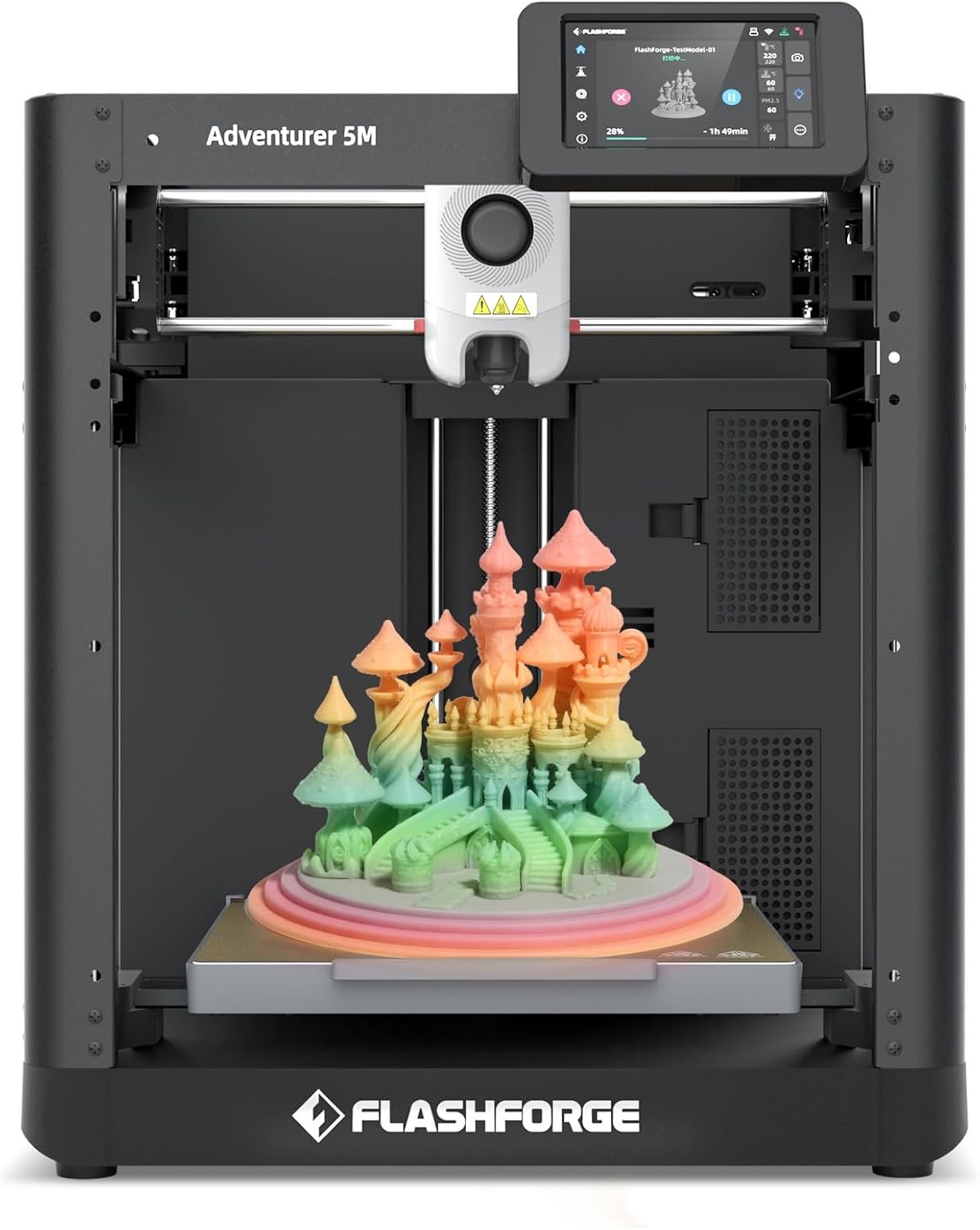
7. Flashforge Adventurer 5M: best plug-and-play printer
If the idea of calibration and tinkering puts you off, the Adventurer 5M feels closer to a home appliance than a hobby machine. Setup is quick, leveling is automatic and the interface is simple.
It’s also fast thanks to a CoreXY design, and its quick-swap nozzle system makes maintenance easy, which suits families, classrooms and casual makers.
Key specs
- Build volume: 220 × 220 × 220 mm
- Technology: CoreXY FDM
- Max speed: up to 600 mm/s
- Quick-swap nozzles
- Automatic leveling
- Materials: PLA, PETG, TPU
- Very easy to use
- Quick setup
- Fast
- Quick nozzle swaps
- Great for education
- More closed ecosystem
- Less customizable
- Smaller community
- Not for advanced technical materials
8. Sovol SV08: best large-format FDM printer
The SV08 is one of the most interesting options for printing big parts without paying for an industrial machine. Its 350 × 350 × 345 mm volume and CoreXY motion make large cosplay, architecture and engineering prints far faster.
It supports Klipper and prints PLA, PETG, TPU, ABS and ASA, though its size and assembly make it better for experienced users.
Key specs
- Build volume: 350 × 350 × 345 mm
- Technology: CoreXY FDM
- Max speed: up to 700 mm/s
- Automatic leveling
- Klipper compatible
- Materials: PLA, PETG, TPU, ABS, ASA
- Huge build volume
- Fast CoreXY design
- Great value for its size
- Technical material support
- Large footprint
- Not ideal for beginners
- More complex assembly
Which filament 3D printer should you buy?
| If you need… | Choose |
|---|---|
| The best all-rounder | Bambu Lab P1S |
| Your first 3D printer | Bambu Lab A1 |
| Engineering materials | Creality K1C |
| Maximum reliability | Prusa MK4S |
| Affordable multicolor | Anycubic Kobra 3 Combo |
| Large prints on a budget | Elegoo Neptune 4 Plus |
| The simplest setup | Flashforge Adventurer 5M |
| The biggest build volume | Sovol SV08 |
Pros and cons of filament 3D printers
Pros
- Cheapest printers and materials to run
- Huge choice of filaments: PLA, PETG, ABS, ASA, TPU, nylon, polycarbonate, carbon-fiber blends
- Little post-processing and no chemicals
- Strong, functional parts
- Larger build volumes than comparable resin printers
- Massive community and free profiles
Cons
- Less fine detail than resin
- Visible layer lines that may need sanding or priming
- Results depend on calibration (temperature, flow, retraction)
- Technical materials need an enclosure
- Big prints can still take many hours
Bottom line
The Bambu Lab P1S is the best filament 3D printer for most people in 2026 thanks to its speed, quality, enclosure and ecosystem. Beginners will love the Bambu Lab A1, the Creality K1C excels with technical materials, the Prusa MK4S is the reliability benchmark, and the Sovol SV08 and Elegoo Neptune 4 Plus lead for size. Pick the one that fits your current projects and leaves room to grow.
Filament 3D printer FAQ
For most people, the Bambu Lab P1S: it combines speed, print quality, an enclosure, multicolor support and an excellent software ecosystem.
Fused deposition modeling: the printer melts plastic filament and deposits it layer by layer to build a part.
PLA. It’s easy to print, inexpensive and gives great results. PETG is the next step when you need tougher, more heat-resistant parts.
Filament printers are better for functional parts, learning and large projects. Resin printers deliver finer detail and smoother surfaces for miniatures and jewelry.
The Bambu Lab A1 is one of the best first printers thanks to automatic calibration, great print quality and optional multicolor.
Popular slicers include Bambu Studio, OrcaSlicer, UltiMaker Cura, PrusaSlicer and Creality Print.