
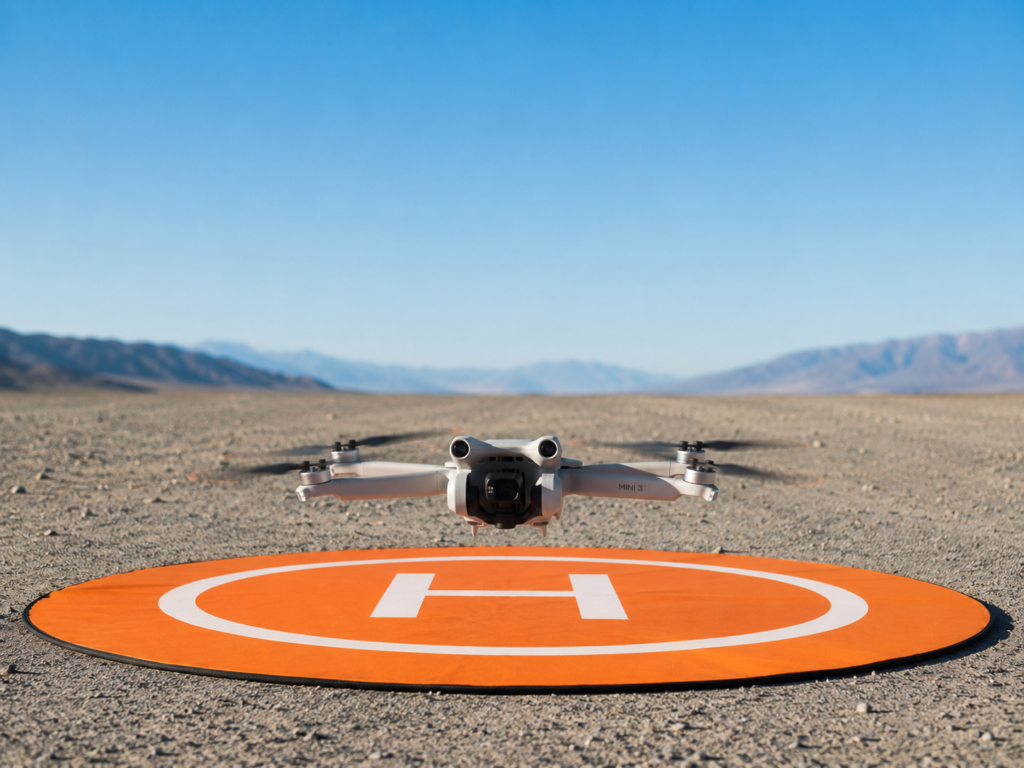
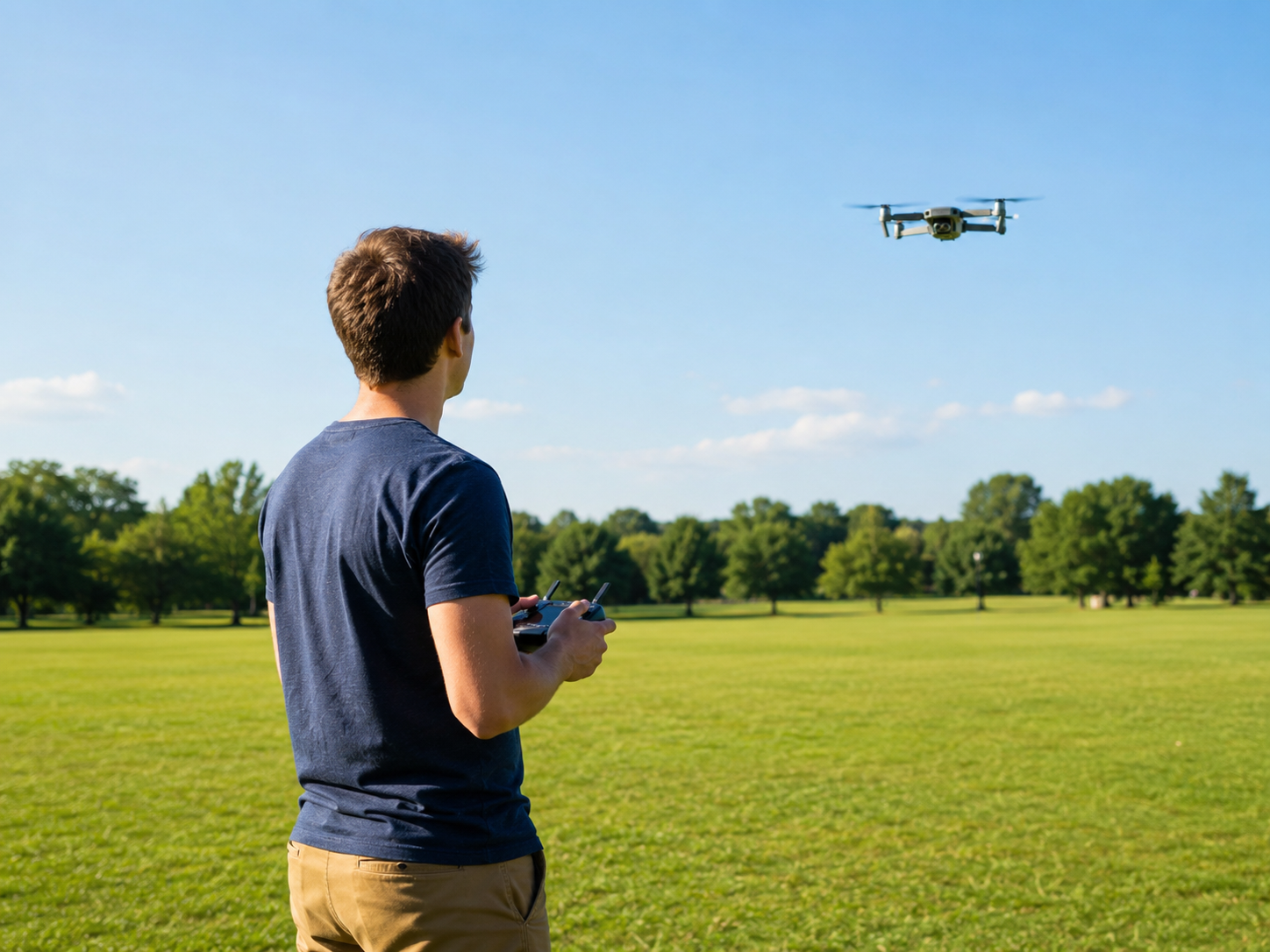
Learning how to fly a drone for the first time is easier than ever. Modern drones have GPS, automatic Return to Home and smart stabilization, so you can gain confidence quickly. But skipping the basics still leads to bumps, crashes, broken propellers, lost control and risky situations.
This guide walks you through what to check before takeoff, how to take off and land, the controls to practice, beginner exercises and the mistakes most new pilots make.
Quick answer: check the rules and airspace, fully charge the drone and controller, inspect the propellers and pick a calm day and a wide-open spot. Wait for a solid GPS lock, take off slowly to a few feet, hover, then practice one control at a time: up/down, rotation, forward/back and sideways. Keep the drone close and in sight, and practice landings as much as flying.
Before you fly
Check the rules and airspace
Make sure drones are allowed where you plan to fly. In the US, recreational pilots must pass the free TRUST test, register drones of 250 g or more with the FAA, stay at or below 400 feet, keep the drone in visual line of sight and check airspace with an FAA-approved app such as B4UFLY. Controlled airspace near airports requires LAANC authorization. In the UK, check the CAA’s Drone and Model Aircraft Code.
Charge the batteries
Never make your first flight on a partly drained battery. Start with both the drone and the controller fully charged.
Inspect the propellers
Make sure they’re correctly installed and free of cracks or bends.
Wait for good weather
Avoid wind, rain, fog and poor visibility. Your first flights should happen on calm days.
Choose the right place to learn
Look for a wide-open, uncluttered area with few obstacles and few people, such as a large field or empty park where flying is permitted. Avoid dense trees, power lines, buildings, roads and crowds at first. The more space you have, the more room you have to correct mistakes.
Pre-flight steps
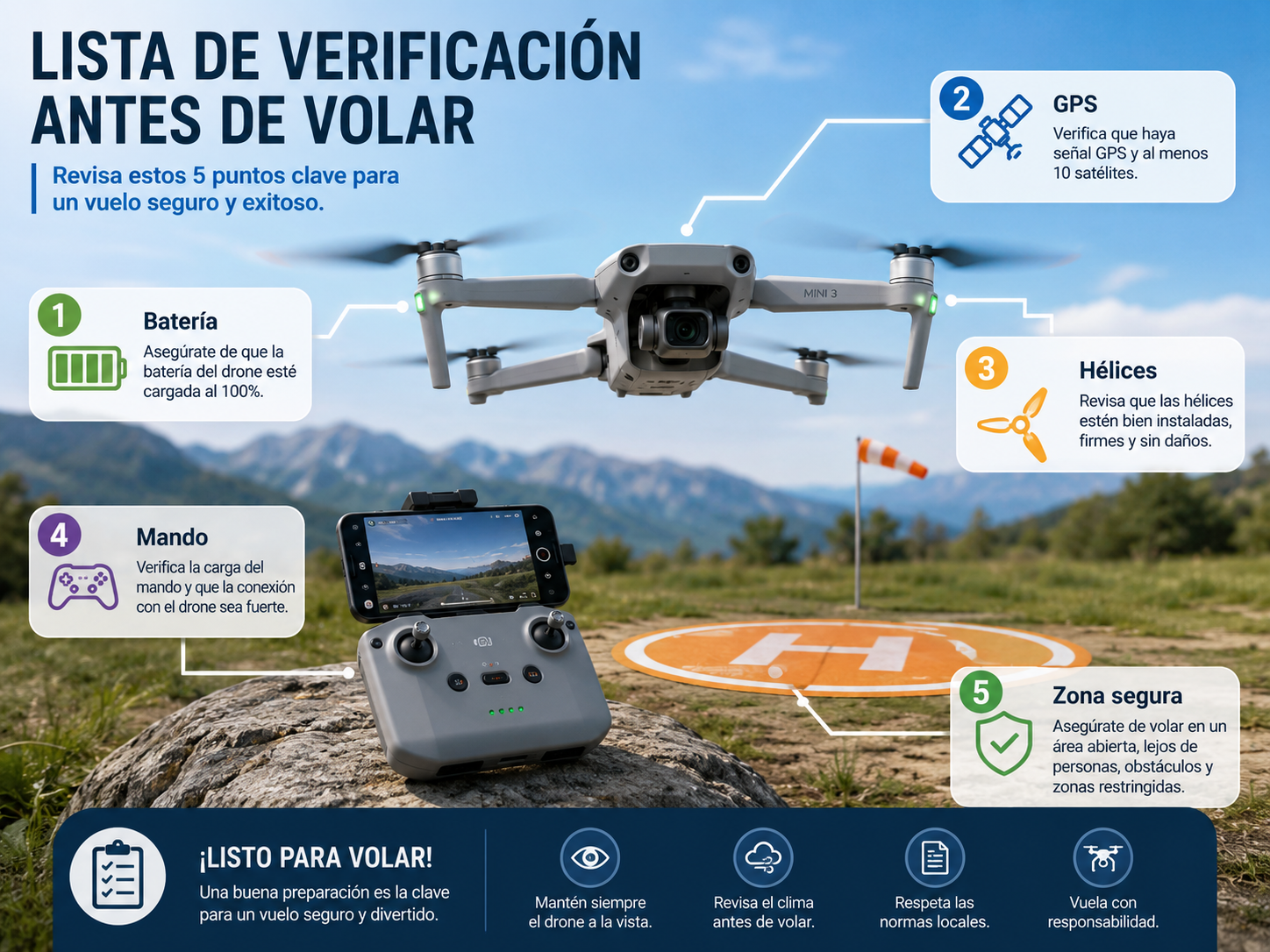
- Turn on the controller.
- Turn on the drone.
- Wait for a strong GPS lock and the home point to be recorded.
- Check the status indicators and any warnings in the app.
- Confirm battery levels.
Most modern drones warn you automatically if something is wrong. Don’t ignore those warnings, especially on your first flights.
How to take off
Takeoff makes most beginners nervous, but it’s usually simple:
- Take off slowly or use the automatic takeoff button.
- Climb just a few feet (2–3 m).
- Hover and let the drone hold its position.
- Check that it’s stable before moving.
Avoid sudden stick movements. The goal is to get a feel for how the drone responds.
Learn the basic controls
Most drones use “Mode 2” by default: the left stick controls altitude (up/down) and rotation (yaw), and the right stick controls forward/backward (pitch) and left/right (roll). Practice each one separately:
- Climb and descend: change altitude gradually.
- Rotate: learn how the drone turns on its axis.
- Forward and backward: smooth, controlled moves.
- Sideways: practice left and right.
Speed isn’t the goal. Precision and confidence are.
How to land a drone
If takeoff is nerve-racking, landing is where beginners make the most mistakes. Stay calm and move gently:
- Lower the altitude gradually.
- Keep the drone stable.
- Choose a clear, flat surface.
- Avoid sudden moves near the ground.
- Descend slowly until the motors can stop safely.
Most drones offer automatic landing, but practice manual landings too; it builds a lot of confidence.
Practice exercises to learn faster
Don’t try to film epic shots on day one. Master the fundamentals with these drills:
- Hover in place: hold the drone still for several seconds to develop fine stick control.
- Fly a square: forward, right, back, left, keeping the same altitude. A classic training drill.
- Fly circles: smooth turns on a constant path to coordinate heading and movement.
- Repeat takeoffs and landings: several full cycles are one of the fastest confidence builders.
Using GPS and Return to Home
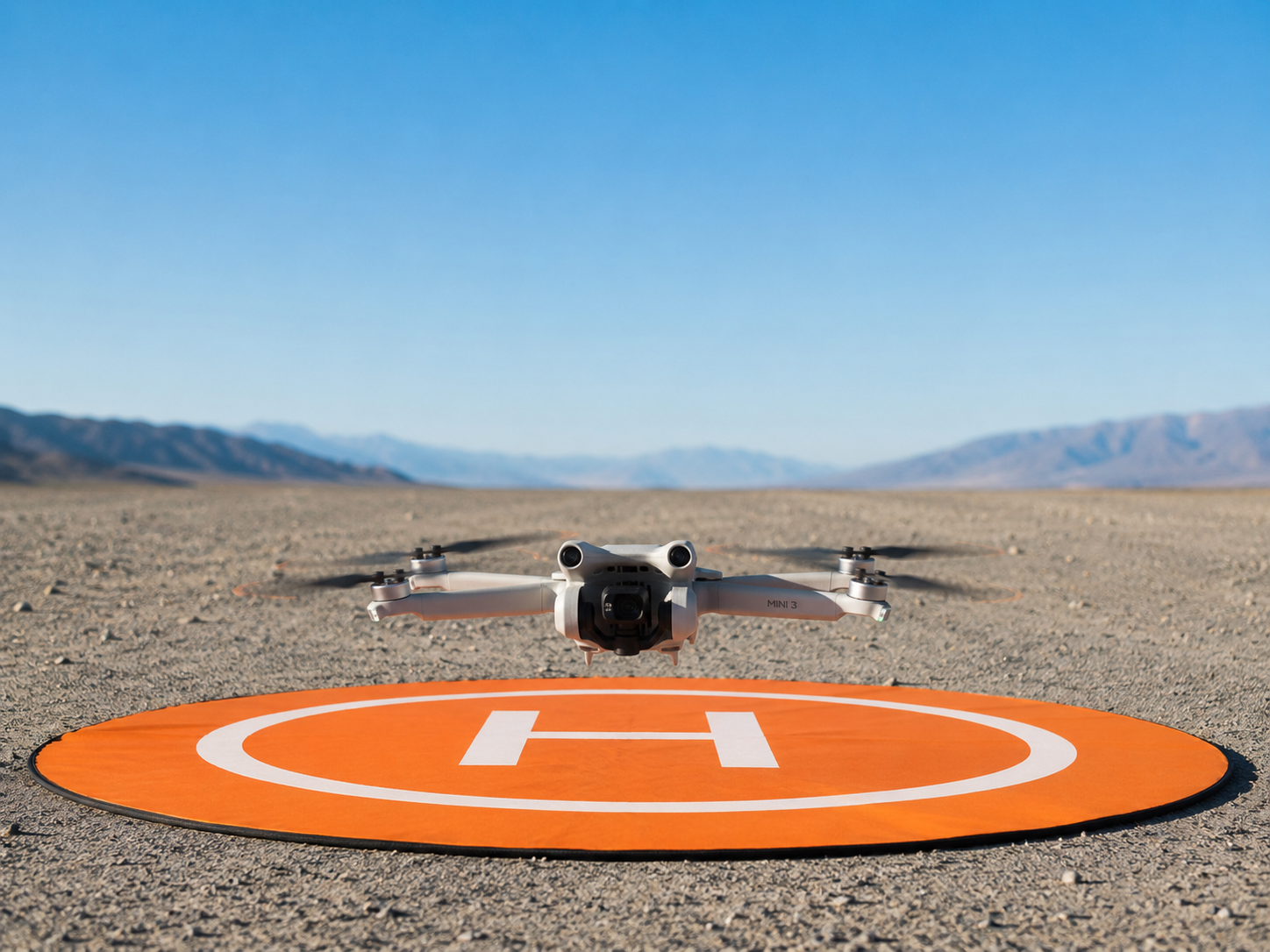
GPS lets your drone hold its position, stay stable, record its takeoff point and enable smart features. Return to Home (RTH) brings the drone back automatically if the signal is lost or the battery gets critically low, and it has saved countless drones. Always wait for good GPS coverage before taking off, and set an RTH altitude higher than nearby trees and buildings.
Mistakes to avoid on your first flights
- Flying too far too soon. Keep the drone close until you’ve mastered the basics.
- Ignoring wind. It can be much stronger a few hundred feet up than on the ground.
- Taking off without a GPS lock. A few extra seconds make a big difference to stability and safety.
- Not practicing landings. They need training just like flying.
- Skipping the rules. Check airspace and requirements before every flight.
A simulator, either in your drone’s app or a standalone one, is a great way to practice the controls without risking your drone.
Bottom line
Learning how to fly a drone for the first time isn’t as hard as many people think. Modern drones do a lot to keep you stable, but technology doesn’t replace practice. Pick a safe spot, learn the basic controls, follow the rules and progress gradually. A little patience in the first few sessions pays off with longer flights, smoother footage and much safer flying.
How to fly a drone: FAQ
No. GPS, automatic stabilization and Return to Home make learning much easier, and most people can fly basic maneuvers safely after a few short sessions.
A wide-open, uncluttered area with no obstacles and few people, where drone flying is permitted.
Just a few feet. Take off, climb a little, practice the basic movements and always keep the drone in sight. In the US, the recreational limit is 400 feet.
Release the sticks (most GPS drones will hover) or trigger Return to Home. That’s why you should always confirm a GPS lock and home point before takeoff.
Yes. Simulators let you learn the controls and build reflexes without risking damage.
Recreational pilots need to pass the free TRUST test and register drones of 250 g or more. Commercial pilots need an FAA Part 107 certificate.
Keep reading
- Drone Photography and Video: How to Shoot Like a Pro
- How to Get Into FPV: Simulator, Gear and First Steps
- DJI Neo 3: Release Date, Price and Everything We Know
- DJI Avata 360: Specs, Price and Who It’s For
Official sources: FAA – Recreational flyers · UK CAA – Drones