
Disclosure: this article contains affiliate links. If you buy through them, Bright Technology may earn a small commission at no extra cost to you. As an Amazon Associate, we earn from qualifying purchases.
The best 3D printer for miniatures is almost always a resin printer. With pixels of 14 to 22 microns, resin machines reproduce faces, chainmail and runes on 28–32 mm figures that a filament printer simply cannot resolve. What separates one model from another is real pixel size, build volume for batch printing and how convenient the machine is day to day.
We compared seven options using manufacturer data: five resin printers for every budget, one professional machine and one filament printer for terrain. Whether you play Warhammer, D&D or any tabletop wargame, the guide below shows which one fits.
- Best 3D printers for miniatures compared
- Resin or filament: which is the best 3D printer for miniatures?
- High-resolution resin printers: what 8K, 12K and 16K really mean
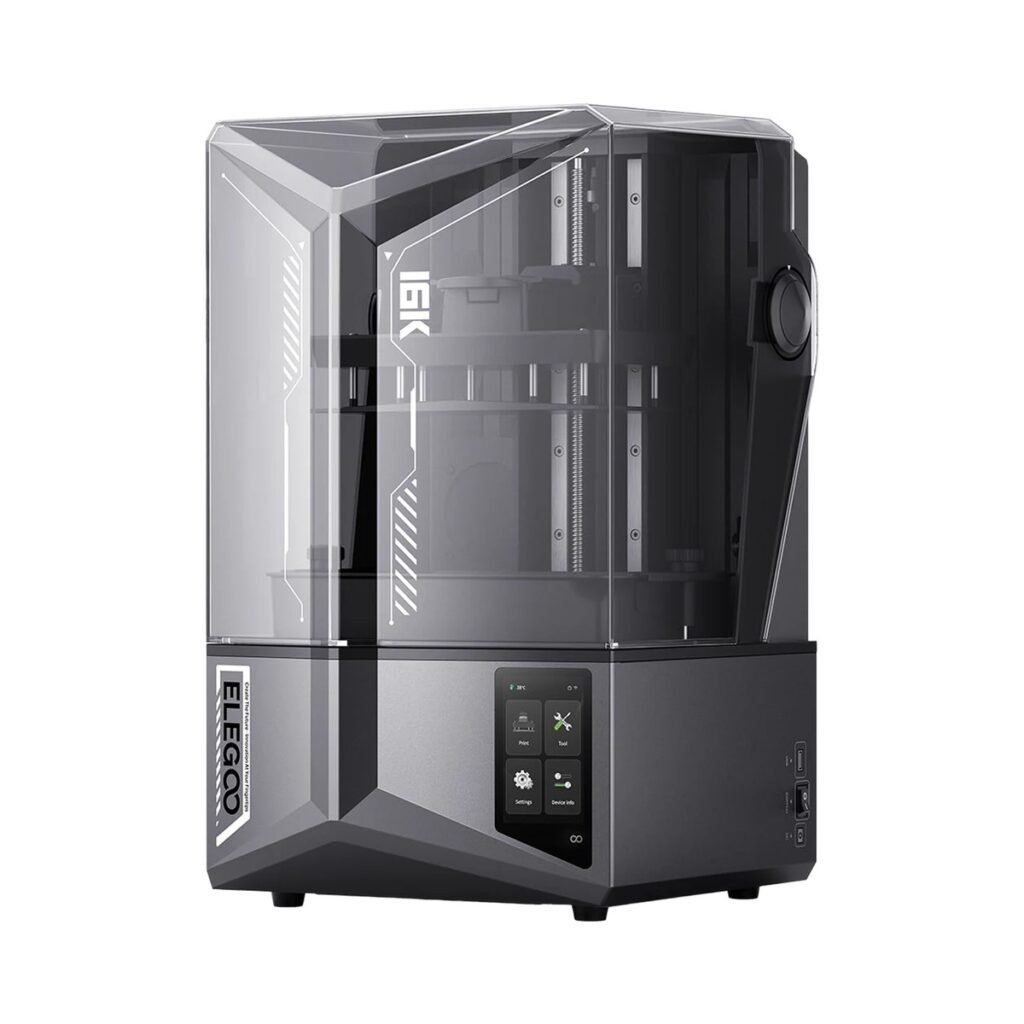
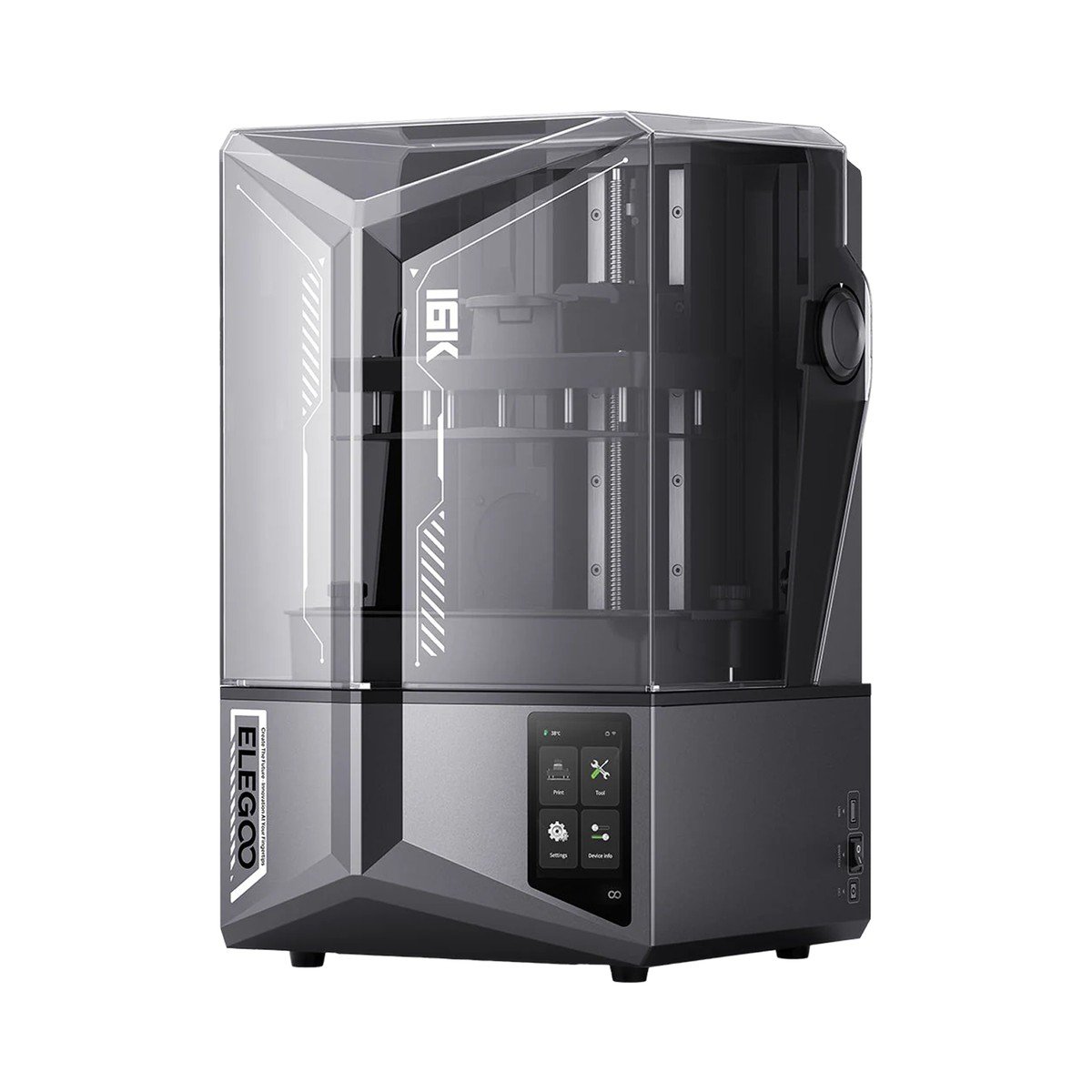
- 1. Elegoo Saturn 4 Ultra 16K: the best overall
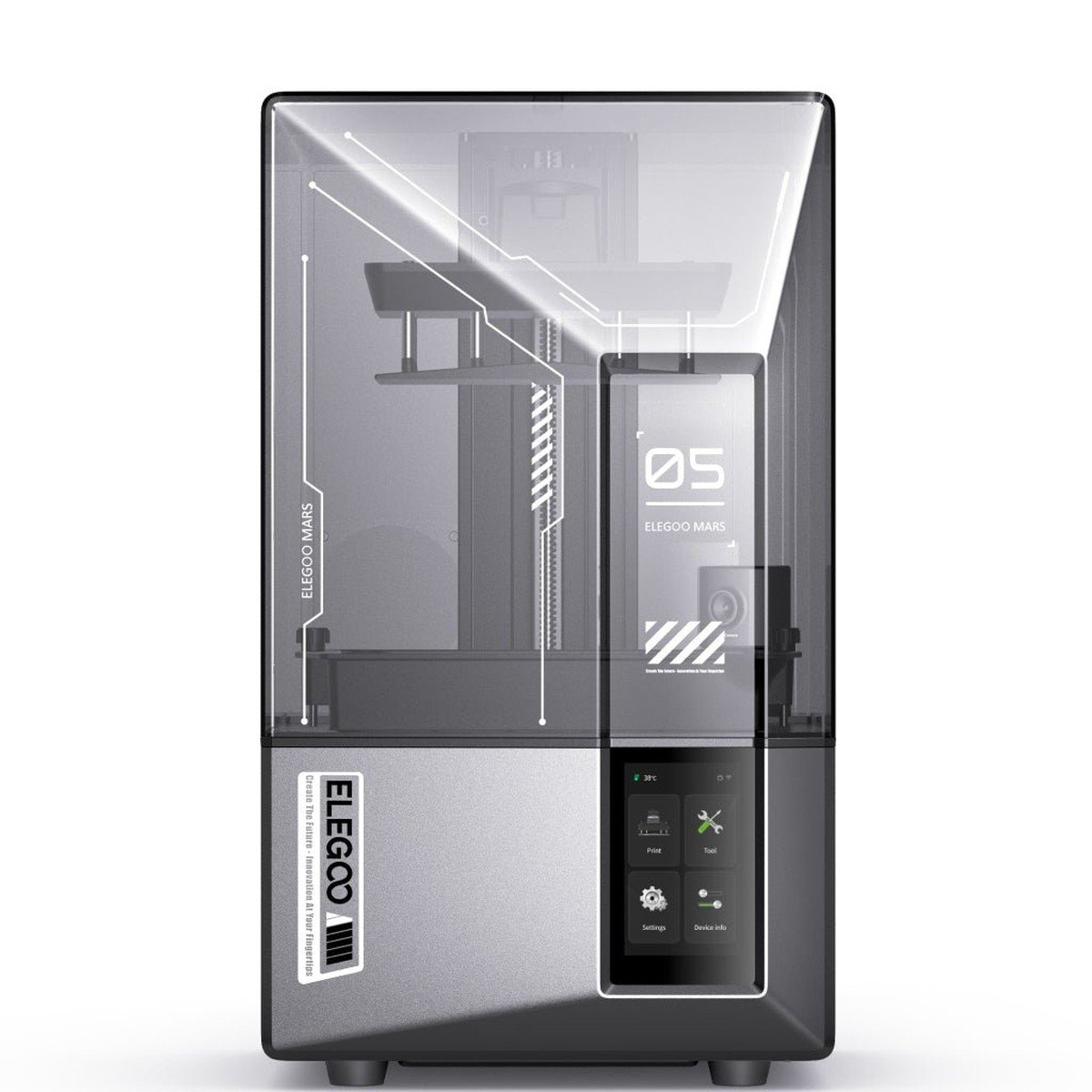
- 2. Elegoo Mars 5 Ultra: the best for beginners
- 3. Anycubic Photon Mono M7 Pro: for batch printing
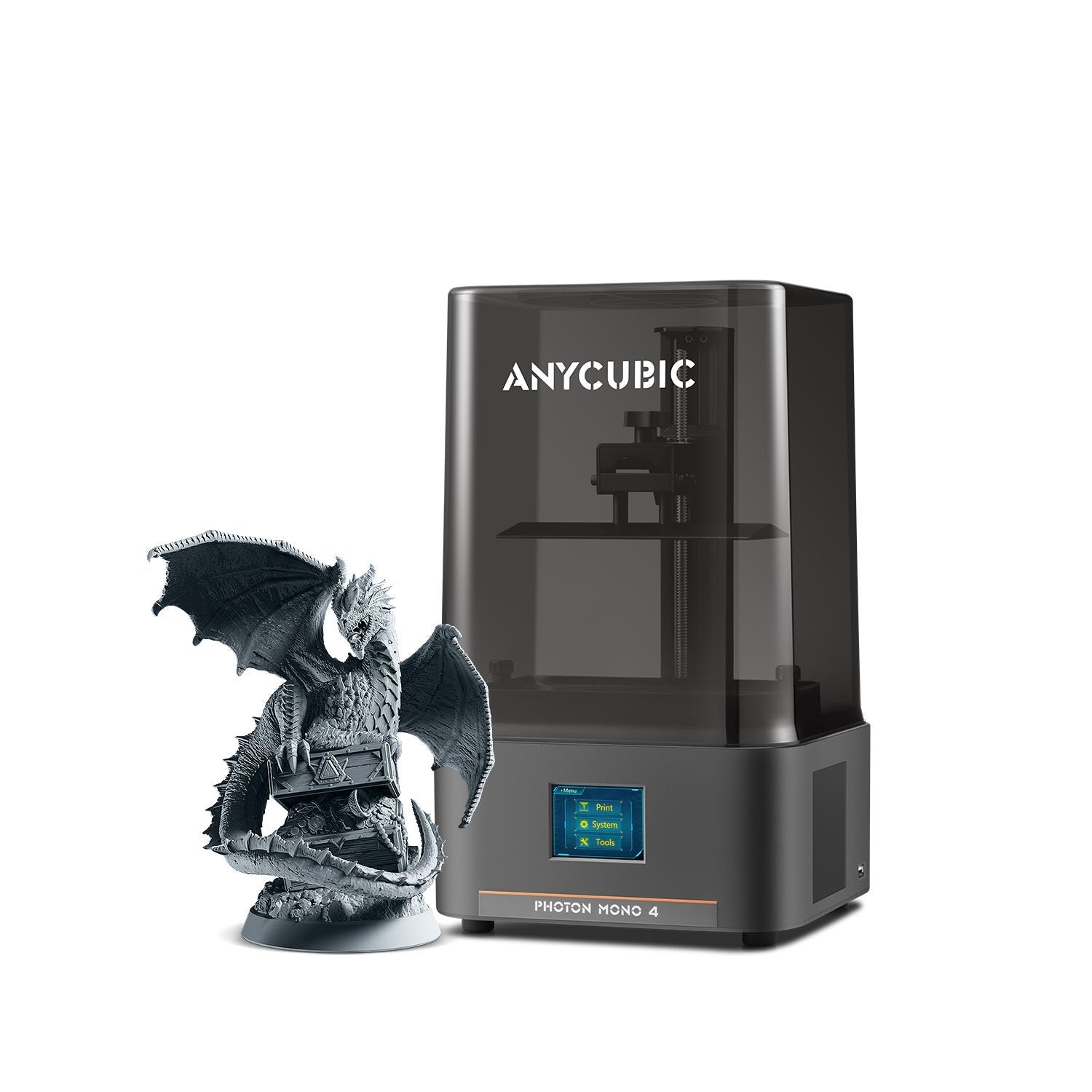
- 4. Anycubic Photon Mono 4: the cheapest worth buying
- 5. Phrozen Sonic Mini 8K S: compact with open software
- 6. Formlabs Form 4: the professional choice
- 7. Bambu Lab A1 mini: filament for terrain
- Which printer to choose for your situation
- What you need besides the printer
- Common mistakes when printing miniatures
- How much does it cost to print a miniature?
- 3D printer for miniatures FAQ
- Keep reading
Quick answer: the Elegoo Saturn 4 Ultra 16K is the best for most people (14 × 19 µm pixels, heated vat and AI camera). If you are just starting or print a few figures at a time, the Elegoo Mars 5 Ultra (18 µm) gives almost the same detail in a smaller, cheaper package. On a tight budget, the Anycubic Photon Mono 4 is the pick.
Best 3D printers for miniatures compared
| Model | Type | XY pixel | Build volume (mm) | Price tier | Best for |
|---|---|---|---|---|---|
| Elegoo Saturn 4 Ultra 16K | 10″ 16K resin | 14 × 19 µm | 211 × 118 × 220 | Upper mid-range | Most people |
| Elegoo Mars 5 Ultra | 7″ 9K resin | 18 µm | 153 × 77 × 165 | Mid-range | Getting started |
| Anycubic Photon Mono M7 Pro | 10.1″ 14K resin | 16.8 × 24.8 µm | 223 × 126 × 230 | Upper mid-range | Batch printing |
| Anycubic Photon Mono 4 | 7″ 10K resin | 17 µm | 153 × 87 × 165 | Budget | Lowest cost |
| Phrozen Sonic Mini 8K S | 7.1″ 8K resin | 22 µm | 165 × 72 × 170 | Mid-range | Open slicer choice |
| Formlabs Form 4 | Resin (LFD) | 50 µm | 200 × 125 × 210 | Professional | Studios and business |
| Bambu Lab A1 mini | Filament (FDM) | Optional 0.2 mm nozzle | 180 × 180 × 180 | Entry-level | Terrain and scenery |
Price tiers are relative to each other and based on the base version without accessories. Street prices change often, so check current listings.
Resin or filament: which is the best 3D printer for miniatures?
For 28–32 mm figures, resin. A resin printer exposes each layer through an LCD screen, and the detail depends on pixel size, which on these machines runs from 14 to 22 microns. A filament printer deposits plastic through a 0.2–0.4 mm nozzle, which is 10 to 20 times coarser.
Filament makes sense for terrain: ruins, buildings, hills, movement trays or carrying cases. These are large pieces without fine detail that would be expensive and fragile in resin. If you are weighing technologies for other uses, our guide to filament (FDM) 3D printers covers the best general-purpose models.
| Criterion | Resin | Filament |
|---|---|---|
| Detail on 28 mm faces and weapons | Excellent | Insufficient |
| Large terrain pieces | Expensive and fragile | Ideal |
| Post-processing | Alcohol wash and UV cure | Remove supports |
| Smell and safety | Gloves and ventilation needed | Minimal |
| Material cost per 28 mm figure | Cents | Cents |
High-resolution resin printers: what 8K, 12K and 16K really mean
The “K” number counts the pixels on the screen, not how much detail you will see. What matters is the XY pixel size: a 16K screen spread across 10 inches can end up with a pixel similar to a 9K screen on 7 inches.
A worked example: the eye on a 32 mm miniature is about 1 mm wide. With an 18 µm pixel, that millimeter is drawn with about 55 pixels; with 22 µm, about 45. Both are plenty to look sharp once painted. Below 25 µm, resin, supports and exposure settings make more difference than the screen.
Where a big screen does matter is quantity: a 211 × 118 mm plate fits roughly 20–30 infantry figures with supports, compared with 10–15 on a 153 × 77 mm plate.
1. Elegoo Saturn 4 Ultra 16K: the best overall
It ticks the most boxes for miniatures: a 10-inch 16K screen with 14 × 19 µm pixels, a heated vat that keeps resin at about 30 °C, and an AI camera that spots failures and stops the print before it wastes resin.
Its tilt-peel system reduces the force on the part at every layer, which helps with thin spears, swords and banners. It prints at up to 150 mm/h and levels itself.
Ideal for: most wargamers and tabletop RPG players who want detail and volume.
- 14 × 19 µm pixels
- Heated vat: fewer failures in winter
- AI camera and auto-leveling
- Large plate for batches of 20–30 figures
- Takes up a lot of desk space
- Uses more resin to fill the vat
- Priced above most resin printers
2. Elegoo Mars 5 Ultra: the best for beginners
It has almost everything the Saturn does in a smaller size: a 7-inch 9K screen with 18 µm pixels, tilt-peel, an AI camera, auto-leveling and Wi-Fi. For someone who prints one squad or one RPG character a week, it is enough.
Its limit is volume: 153 × 77 × 165 mm. It handles infantry, heroes and medium monsters, but a dragon or a tank will need to be printed in parts.
Ideal for: anyone starting out in miniature printing.
- 18 µm at a moderate price
- Auto-leveling and AI camera
- Compact and easy to ventilate
- Small build volume for large pieces
- No heated vat
3. Anycubic Photon Mono M7 Pro: for batch printing
Its 223 × 126 mm plate is the largest among the consumer machines on this list, and its 230 mm height allows big figures in one piece. The vat heats between 20 and 40 °C, supports an automatic resin refill and reaches 170 mm/h with fast resin.
Its pixel is rectangular, 16.8 × 24.8 µm, so in one direction there is slightly less detail than on the Saturn 4 Ultra. For whole armies or for selling figures, the volume makes up for it.
Ideal for: full armies or anyone selling printed figures.
- The largest plate in its range
- Adjustable heated vat
- Optional automatic resin refill
- Rectangular pixel, less fine on one axis
- Costs more than the Saturn 4 Ultra
4. Anycubic Photon Mono 4: the cheapest worth buying
For a budget price it offers a 7-inch 10K screen with 17 × 17 µm pixels, which on paper is finer than the Mars 5 Ultra. The price shows elsewhere: four-point manual leveling, classic peel and up to 70 mm/h with fast resin.
It is the best option if you want to try resin without spending much and do not mind leveling the plate the first time.
Ideal for: trying resin on a small budget.
- 17 µm pixel at a budget price
- Compact size
- Manual leveling
- Slower
- No camera or heated vat
5. Phrozen Sonic Mini 8K S: compact with open software
Phrozen was among the first brands to bring 8K screens to the small format. The Sonic Mini 8K S has a 22 µm pixel, a 165 × 72 × 170 mm build volume and speeds up to 80 mm/h. Its advantage is compatibility with almost any third-party slicer.
Compared with newer Elegoo and Anycubic models it lacks automation: manual leveling once, no Wi-Fi and no camera.
Ideal for: people who want to choose their own slicer.
- Works with many slicers
- Simple, reliable build
- No Wi-Fi or camera
- 22 µm pixel, the coarsest of the consumer resin printers here
6. Formlabs Form 4: the professional choice
This is another league: Low Force Display technology, speeds up to 100 mm/h and an ecosystem of certified resins built for studios that sell figures or prototypes. Its pixel is 50 µm, but the final quality comes from process control, the resin and the software.
It sits in the professional price range. It only makes sense if miniatures are your business and you need repeatable results without supervision.
Ideal for: studios and businesses.
7. Bambu Lab A1 mini: filament for terrain
This one is not for the figure itself but for everything around it. With a 180 × 180 × 180 mm volume, automatic calibration and an optional 0.2 mm nozzle, it prints buildings, ruins, bases and trays in PLA with no fumes and no washing. A multicolor system is available as an option.
Ideal for: scenery, bases and organizers.
Which printer to choose for your situation
- You play Warhammer and want to print armies: Saturn 4 Ultra 16K or Photon Mono M7 Pro.
- You print RPG characters now and then: Mars 5 Ultra.
- You want to try with the lowest spend: Photon Mono 4.
- You already print in resin and want full slicer control: Sonic Mini 8K S.
- You sell figures and need industrial reliability: Form 4.
- You only want terrain and table accessories: Bambu Lab A1 mini.
If this is your first printer of any kind, start with our best 3D printers for beginners, and for more resin models see our resin 3D printer ranking.
What you need besides the printer
A resin printer does not work on its own. Plan for these extras from day one:
- A wash and cure station, or at least a container of isopropyl alcohol and a UV lamp.
- Nitrile gloves and eye protection: liquid resin irritates skin.
- Ventilation: print in a room you can air out, never in a bedroom.
- Miniatures resin: “ABS-like” or 8K-grade resins hold up better to knocks on thin weapons.
- A slicer to place supports; our guide to 3D printing software compares the free ones.
To find models, see the best sites for free STL files for free and paid miniatures, and our 3D printer accessories guide for the extras that really save time.
Common mistakes when printing miniatures
- Printing the figure flat on the plate. Tilt it 30 to 45° and rest it on supports: layers are less visible and it does not warp.
- Heavy supports on the face. Put them on the back and the base, where marks do not show.
- Not drilling holes in hollow parts. If you hollow out a large figure, add drain holes or trapped resin can crack it.
- Over-curing. Too much UV makes resin brittle; follow the manufacturer’s times.
- Printing with cold resin. Below 20 °C (68 °F) failures go up, which is why a heated vat makes a difference in winter.
How much does it cost to print a miniature?
Very little. A 28 mm infantry figure with supports uses about 3–5 ml of resin. If you pay, say, $30 for a 1 kg bottle (about 900 ml; an illustrative price, not a quote), each figure uses roughly 10 to 17 cents of resin, plus some alcohol for washing.
The expensive parts are the printer, the extras and, above all, quality files. Even so, after a few dozen figures the printer pays for itself compared with buying assembled miniatures.
If you want to turn the hobby into income, see how to make money with 3D printing.
3D printer for miniatures FAQ
A resin printer with a 22 µm pixel or smaller. The Elegoo Saturn 4 Ultra 16K is the most balanced for detail, volume and automation; the Mars 5 Ultra is the cheaper alternative.
The Elegoo Mars 5 Ultra is a good fit for printing a character or monster at a time, while the Saturn 4 Ultra 16K suits larger batches. Both are resin printers, which is what 28 mm figures need.
Yes, but with less detail: faces and thin weapons come out soft even with a 0.2 mm nozzle. Filament is ideal for terrain, bases and large figures over 50 mm.
An XY pixel of 22 µm or less gives very good results once the figure is painted. Below 18 µm the improvements are small and depend more on the resin and supports.
Resin for the figures, FDM for terrain. Resin captures fine detail; filament is cheaper and cleaner for large scenery pieces.
It is an irritant in liquid form. Use nitrile gloves, eye protection and a ventilated room, and do not pour uncured leftovers down the drain. Once cured it is safe to handle.
On a 211 × 118 mm plate you can fit roughly 20–30 infantry figures with supports, compared with 10–15 on a 153 × 77 mm plate.
A 28 mm figure with supports uses about 3–5 ml of resin, which works out to cents per figure depending on the resin price. Add isopropyl alcohol and the wear on consumables such as the vat film.